
This month's enterprise AI tools are best judged by the numbers that are actually there. Microsoft now lists its Copilot add-on at $30 a user, every month. The lighter chat version will cost eligible users nothing.
Those are commercial facts, not marketing claims. They carry more weight than a launch announcement with no pricing. The rest of the payload is thinner.
Several launches still arrive without customer metrics, detailed security controls, or meaningful governance specs. That's where the selection here begins: we looked for tools where structured inputs—finance data, CRM records, service interactions—can produce useful, reviewable outputs. It's the jobs with clear edges that these eight tools are actually ready to cover.
1. Microsoft 365 Copilot
What It Does
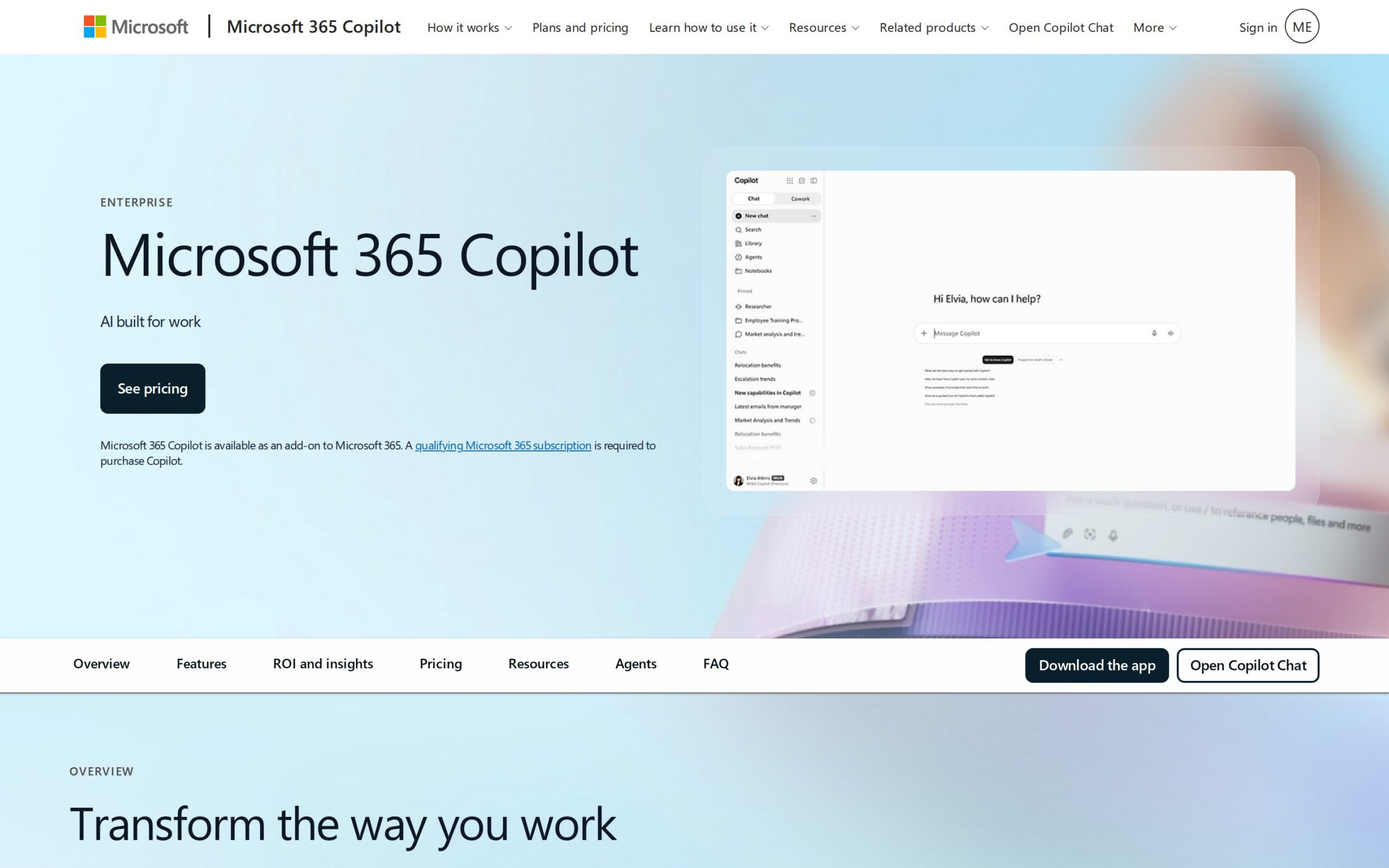
This is an AI work assistant that sits inside an organisation's existing Microsoft 365 environment. It uses Microsoft Entra identities and company data to answer questions, work with uploaded files, and create Copilot Pages content. The point is that employees can get help without exporting documents to a disconnected chatbot.
Why It's Trending
By September 2026, Microsoft says its Copilot Chat feature will be available at no extra cost for eligible Microsoft 365 users, with enterprise privacy and IT controls in place. The full paid Copilot add-on carries a list price of $30 per user per month on an annual commitment. That price tag anchors the entire market conversation.
Key Capabilities
- Web-grounded chat for work questions
- Assistance with uploaded business documents
- Creation of reusable Copilot Pages from responses
- Specialised Copilots for functions like marketing
- Workflow automation via Azure-connected agents
Best For
- IT teams administering controlled AI access
- Operations teams turning files into working outputs
- Marketing teams drafting from organisational context
What Makes It Different
Its advantage is context and placement. The employee stays inside the Microsoft 365 suite of files, identity, and applications. You're not adopting a separate tool.
Authoritative records and deterministic calculations will still require conventional search and office software.
Enterprise Use Cases
- IT teams manage eligible users and IT controls.
- Operations teams upload working files and get answers.
- Marketing teams use company documents to draft campaigns.
- Business teams connect Azure agents to trigger workflow actions.
Business Value
Copilot Chat removes the cost barrier for eligible users, while the paid tier centralises assistance in the work environment people already use. Microsoft provides no measured productivity result. The $30 price is simply what you will pay.
Things to Consider
- Qualifying Microsoft 365 plans are required for the paid add-on.
- Some capabilities, like agent automation, need separate Azure licensing.
- While enterprise-grade privacy and security are stated, the finer control specification isn't detailed here.
- Supervised use is implied; staff should check outputs before they reach customers or official records.
Our Verdict
Microsoft 365 administrators should start with the free chat tier to gauge demand where staff already work in the suite. Hold the paid upgrade until you can measure a concrete workflow benefit and have documented review controls in place.
Product page: https://www.microsoft.com/en-us/microsoft-365-copilot/enterprise
2. IBM watsonx Orchestrate AI Agents for Finance
What It Does
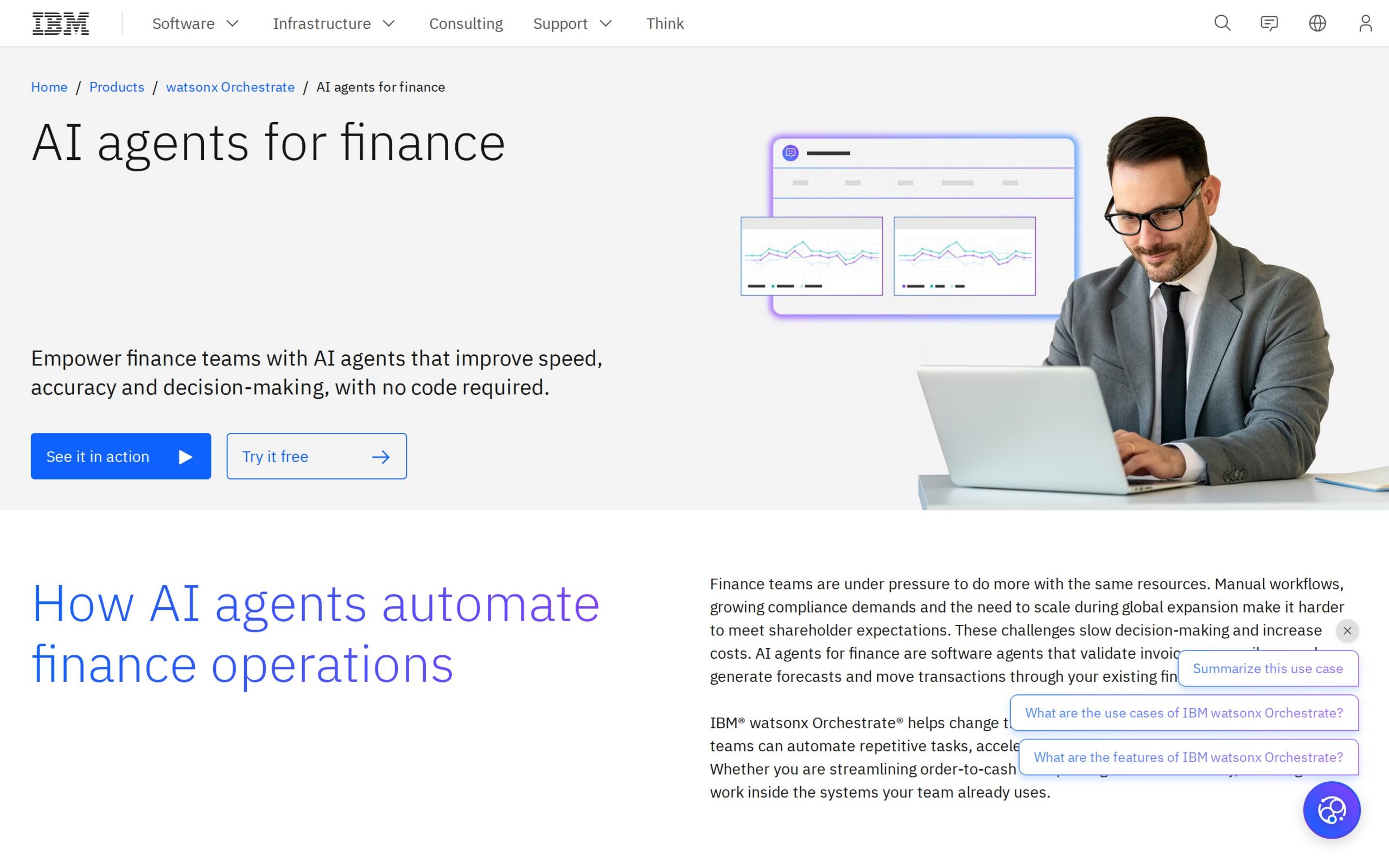
IBM's finance-focused AI agents take invoices, financial records, and transaction workflows as input. They validate invoices, reconcile records, generate forecasts, and move transactions through existing financial systems. The target is repetitive finance processing.
Why It's Trending
As of September 2026, IBM is marketing a dedicated finance-agent page for its watsonx Orchestrate platform. The timing is notable because the description connects agents directly to transaction work. The payload, however, contains no named customer deployment or measured result.
Key Capabilities
- Invoice validation before processing
- Reconciliation of financial records
- Generation of finance forecasts
- Automation of steps in existing financial systems
- Customisation of agent behaviour for specific workflows
Best For
- Finance teams validating invoices and reconciling records
- Finance operations moving transactions through systems
- Financial planning teams generating forecasts
What Makes It Different
The proposed distinction is transactional. Conventional spreadsheet work and rules-based software often stop at presenting records. These agents are described as completing steps through existing systems.
That promise is only useful if approvals and auditability are demonstrated, which they haven't been.
Enterprise Use Cases
- Accounts-payable teams submit invoices for validation.
- Finance-control teams provide records for reconciliation.
- Planning teams supply finance data for forecasting.
- Transaction teams start workflows for automated completion.
Business Value
Automating validation, reconciliation, and transaction movement could reduce manual handling and shorten cycle times. No quantified result, customer name, price, or deployment evidence is provided. The business case remains a workflow hypothesis.
Things to Consider
- Security controls and data handling are not verified.
- Integration is described only as movement through 'existing financial systems' without a named list.
- Explicit approval and review controls were not verified.
- Finance staff must check all outputs before ledger or payment impact.
Our Verdict
Finance operations leaders should pilot these agents on low-risk invoice validation or reconciliation where outputs can be sampled against existing controls. Keep transaction automation gated until you have approval and audit evidence.
Product page: https://www.ibm.com/products/watsonx-orchestrate/ai-agent-for-finance
3. Cognigy.AI
What It Does
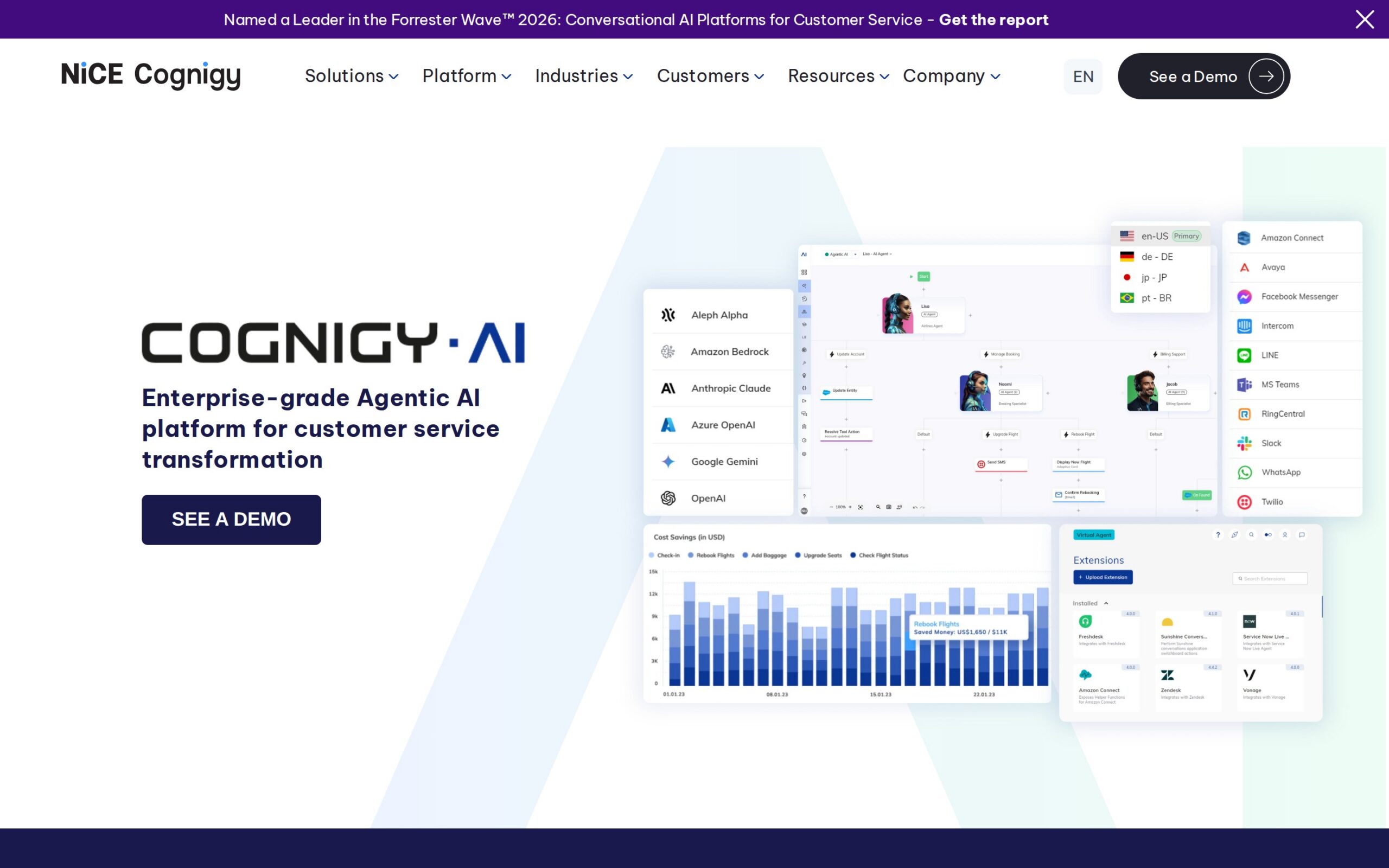
Cognigy.AI is an agentic platform for contact centres. It takes customer interactions and returns automated answers, reasoning-based decisions, and customer-service actions. It aims to orchestrate goal-driven service agents, not just draft replies for humans.
Why It's Trending
Cognigy positions this as an enterprise-grade agentic AI platform as of September 2026. The vendor states that more than 16 AI agents were live and handled over 16 million automated conversations annually as of December 2025. That's a substantial operating signal, even if it's a vendor claim.
Key Capabilities
- Autonomous agents pursuing defined service goals
- Reasoning beyond fixed response scripts
- Dynamic adaptation as interactions change
- Service decision-making from conversations
- High-volume conversation automation
Best For
- Customer service automating routine conversations
- Contact-centre operations orchestrating multiple agents
- Customer experience teams scaling responses
What Makes It Different
Unlike a conventional knowledge-base bot, Cognigy describes agents that reason, adapt, and take service actions. The difference is operational autonomy. The payload doesn't show the integrations or governance needed to judge how safely that autonomy translates to a production floor.
Enterprise Use Cases
- Customer-service teams get automated answers for routine interactions.
- Contact-centre teams route service goals to agent-led resolutions.
- Service operations use interaction context for reasoning-based decisions.
- Customer-experience teams expose high-volume queries to automated conversations.
Business Value
The vendor's stated scale—over 16 million automated conversations a year—suggests potential capacity gains. It doesn't reveal resolution quality, escalation rates, or cost per conversation. The claim is a signal, not a benchmark.
Things to Consider
- Detailed security controls are not verified.
- Integrations were not verified, leaving contact-centre fit an open question.
- Specific approval workflows and human hand-offs were not verified.
- Service agents should be checked by a human before consequential actions reach customers.
Our Verdict
Large customer-service operations should investigate Cognigy.AI where conversation volume justifies agent orchestration. Start deployment with bounded intents and mandatory human escalation. Wait for independent quality and safety data before going broad.
Product page: https://www.cognigy.com/platform/cognigy-ai
4. Salesforce Agentforce
What It Does
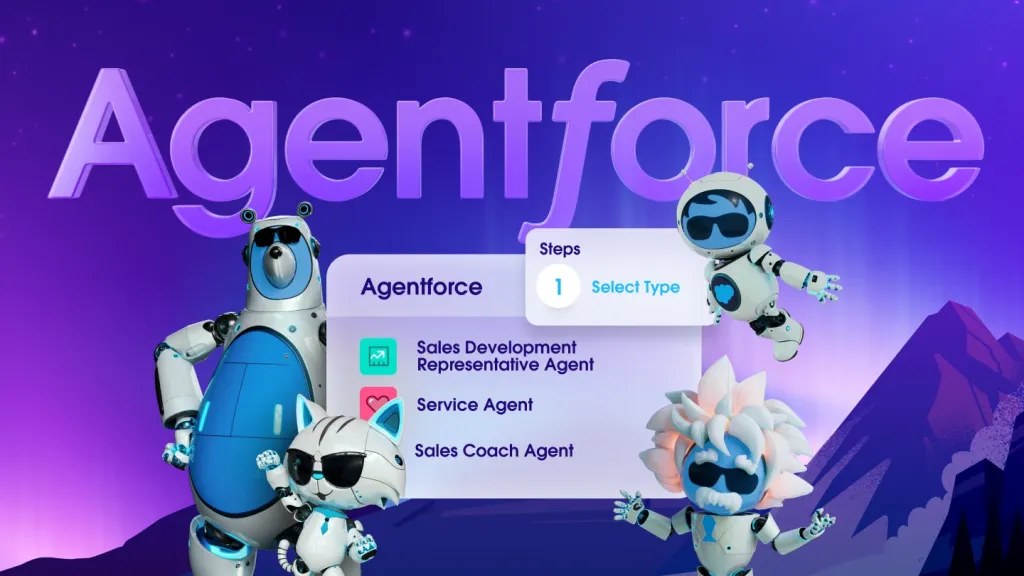
Salesforce Agentforce runs job-ready agents inside Salesforce-backed workflows. Using CRM data and business processes as input, it returns actions in those processes. For sales, that could mean outbound work or pipeline generation, not a disconnected chat window.
Why It's Trending
A September 2026 launch added seven named job-ready agents: Casey, Paige, Carter, Hunter, Marshall, Piper, and Fin. Packaging agents around named jobs is a notable product move. The official material provides no verified customer result or full pricing detail.
Key Capabilities
- Job-ready agents for specific enterprise functions
- Use of Salesforce CRM data in decisions
- Support for outbound sales and prospecting
- Assistance with inbound pipeline generation
- Execution of steps in Salesforce-backed processes
Best For
- Sales teams supporting outbound work
- Customer service running actions from CRM workflows
- HR applying agents to supported people workflows
What Makes It Different
Agentforce is more action-oriented. Its stated output is a step taken in a Salesforce process, reducing the copy-and-paste gap between an AI suggestion and a CRM update. That works if your organisation accepts Salesforce as the operating context.
Enterprise Use Cases
- Sales teams use CRM records to trigger outbound actions.
- Revenue teams use inbound demand for pipeline-generation steps.
- Customer-service teams use case context for workflow actions.
- HR teams use supported people workflows for job-specific actions.
Business Value
The product could reduce manual CRM handling and speed repetitive workflows. The September launch establishes agent availability, not productivity impact. No named customer result or measured outcome was verified.
Things to Consider
- Security controls are not verified from the gathered page snippet.
- The integration boundary is Salesforce workflows and CRM data; other systems weren't verified.
- Human-oversight arrangements were not verified.
- Sales and service teams should approve customer-facing messages and CRM changes before release.
Our Verdict
Salesforce-heavy revenue teams should test Agentforce on narrow outbound or pipeline workflows. Implement CRM change approval and rollback controls. The absence of verified customer metrics makes broad autonomous deployment premature.
Product page: https://www.salesforce.com/agentforce/
5. Sybill Enterprise AI Sales Assistant
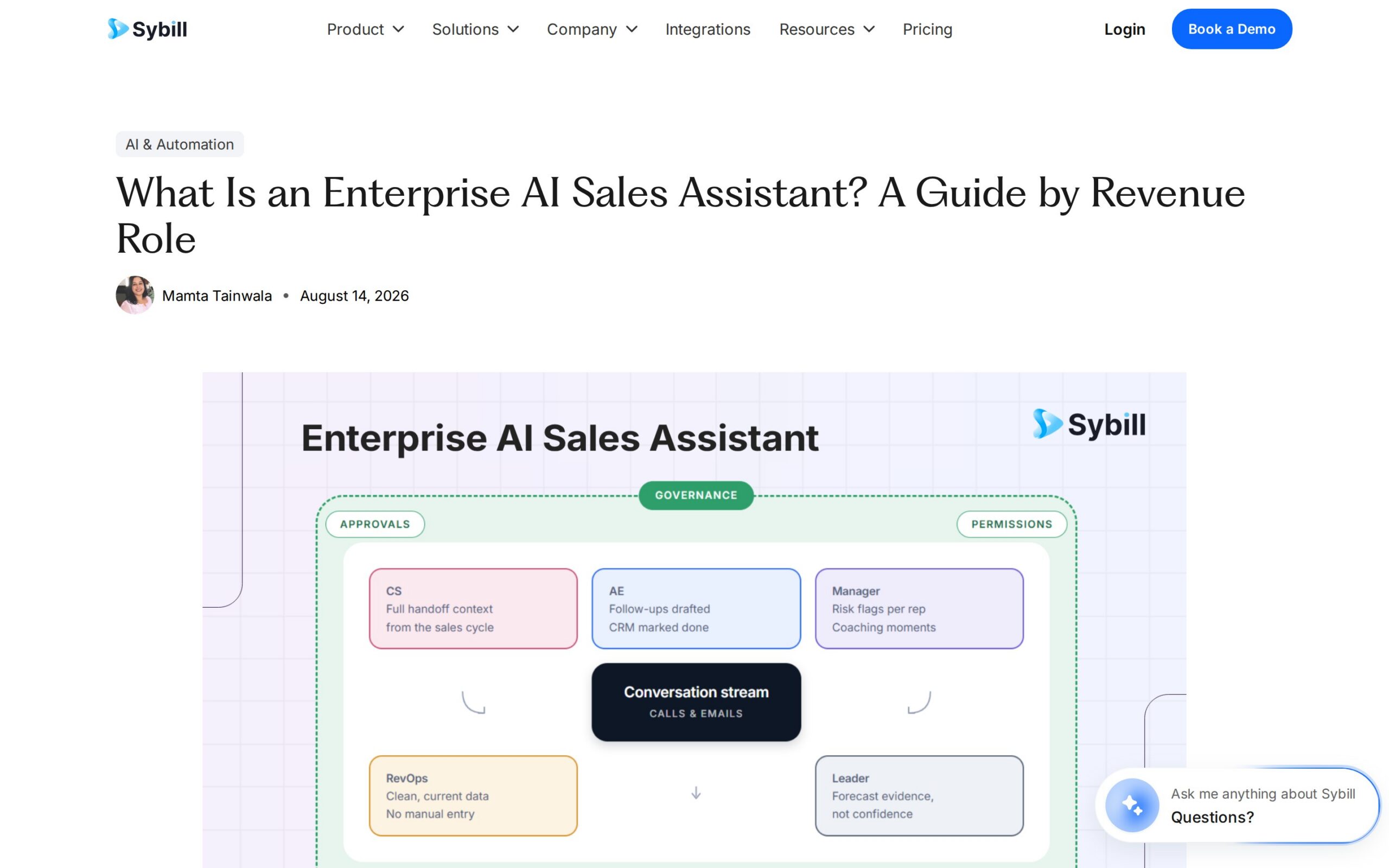
What It Does
Sybill captures sales calls, emails, and conversation history. It then writes summaries and CRM records, drafts follow-ups, flags deal risks, and makes customer history queryable. The practical benefit is less post-call administration and a searchable account trail.
Why It's Trending
An August 2026 article frames Sybill as a company-wide enterprise sales assistant with permissions and admin controls. That puts it in front of buyers seeking controlled workflow automation. The payload supplies no named deployment or measured outcome.
Key Capabilities
- Capture of call and email context
- Writing of conversations into CRM account records
- Drafting of sales follow-up messages
- Detection of potential deal risks
- Queryable history across customer conversations
Best For
- Sales converting calls into CRM records
- Sales operations enforcing permissions and audit trails
- Account management searching conversation history
What Makes It Different
Conventional CRM systems depend on sellers to manually reconstruct conversations. Sybill starts with the call and email trail and writes back into the record. It attacks administrative friction directly instead of trying to replace the seller's judgement.
Enterprise Use Cases
- Sales representatives get summaries and CRM updates from calls.
- Account executives get drafted follow-ups from conversation history.
- Sales operations configure permissions for governed access.
- Revenue leaders query history for deal-risk visibility.
Business Value
Sybill could improve CRM completeness, reduce after-call work, and surface risks earlier. The available evidence contains no quantified result, customer name, or pricing. Any productivity gain is an unverified expectation.
Things to Consider
- The article says permissions, audit trails, and admin controls are included.
- CRM records are mentioned, but named CRM integrations weren't verified.
- Sellers should approve summaries, CRM writes, and follow-up drafts before use.
- Data-retention or security handling details are not provided.
Our Verdict
Sales teams with weak CRM hygiene should test Sybill on call summaries and draft follow-ups, keeping sellers accountable for records and messages. The lack of outcome data argues for a measured departmental pilot.
Product page: https://www.sybill.ai/blogs/enterprise-ai-sales-assistant
6. Gemini Enterprise for Financial Services
What It Does
This is a purpose-built agentic AI offering from Google Cloud for financial services. It uses enterprise data and research sources to support professionals, returning research answers, workflow assistance, and decision support. It's not positioned as a complete autonomous finance department.
Why It's Trending
Google Cloud launched it in preview on 25 August 2026 as a financial-services-specific solution. The preview status makes it timely. The official material found for this review does not detail connectors, security, governance, pricing, or customer outcomes.
Key Capabilities
- Finance-focused agents
- Assistance with financial research tasks
- Outputs for recurring workflow processes
- Analysis of organisational enterprise data
- Decision-support information for faster analysis
Best For
- Finance teams accelerating research
- Financial research gathering support material
- Risk and investment teams reviewing data and research
What Makes It Different
Its distinction is specialisation. Unlike a general workplace chatbot, the preview is framed specifically around financial-services research and workflows. That positioning isn't yet enough to establish superior accuracy, integration depth, or regulatory suitability.
Enterprise Use Cases
- Financial research teams get structured assistance from research sources.
- Finance teams get workflow outputs from enterprise data.
- Decision-makers get support for business questions.
- Financial-services operations get assistance for recurring tasks.
Business Value
The preview could reduce research time and help professionals handle data-driven workflows faster. No named deployment, measured result, pricing, or connector detail was found. The expected value is currently an evaluation proposition.
Things to Consider
- It was in preview as of 25 August 2026.
- Integrations and specific connectors were not detailed.
- Data handling, security, and governance were not specifically detailed.
- Finance professionals must check all outputs before they inform customers or regulated decisions.
Our Verdict
Financial-services innovation teams should assess Gemini Enterprise in a sandbox against existing research workflows, with compliance review built in. Preview status and missing governance detail make any production decision premature.
Product page: https://cloud.google.com/blog/products/ai-machine-learning/introducing-gemini-enterprise-for-financial-services
7. Claude for Finance

What It Does
Claude for Finance is a finance-oriented enterprise-agent offering from Anthropic. It uses finance data flows, plug-ins, and inputs like market information to return research and financial-modelling outputs. It targets analysts who need assistance across research and modelling.
Why It's Trending
Anthropic launched an enterprise-agent push in February 2026 with finance plug-ins for Claude. By the September 2026 issue date, this is an older event. It earns a place as a slow-burn finance pick rather than a fresh launch.
The payload remains thin on operating proof.
Key Capabilities
- Finance plug-ins for workflows
- Processing of market and company information
- Assistance with financial modelling tasks
- Support for repeatable finance workflows
- Output of research and modelling material
Best For
- Finance teams conducting market research
- Financial analysts building or reviewing models
- Strategy teams turning company info into research outputs
What Makes It Different
The finance plug-in approach aims to bring research and modelling into an enterprise-agent workflow, where a general assistant would require more manual context assembly. The payload does not establish how it compares with specialist modelling or research software.
Enterprise Use Cases
- Finance teams produce research from market information.
- Analysts produce competitive analysis from company information.
- Planning teams get modelling assistance from finance data flows.
- Strategy teams get enterprise-agent outputs for recurring research.
Business Value
It could reduce manual research and modelling preparation, especially where teams repeatedly assemble market information. No customer deployment, measured result, public pricing, or full connector list was found. That limits the case to controlled experimentation.
Things to Consider
- The evidence is thin on security and governance.
- Finance plug-ins are referenced, but a full connector list wasn't provided.
- Human-oversight arrangements were not specifically detailed.
- Analysts must validate research and models before they reach investment committees or formal forecasts.
Our Verdict
Finance strategy teams should consider this for supervised research and modelling prototypes, not unattended analysis. Its fit depends on connector detail, data controls, and validation evidence that the current payload does not provide.
Product page: https://www.anthropic.com
8. Zendesk AI-Powered Customer Service Platform
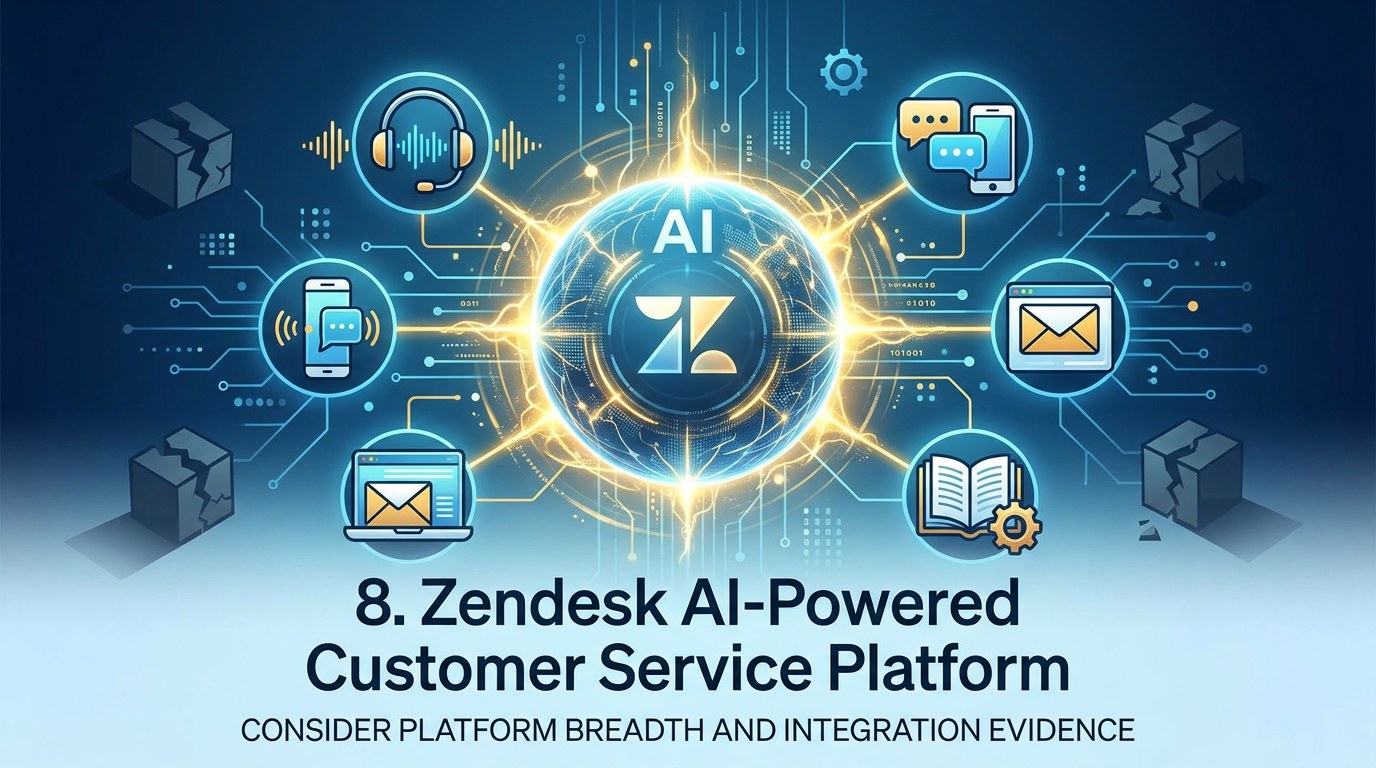
What It Does
Zendesk's platform embeds AI across voice and digital customer support. It uses service interactions and support content to return automated assistance across channels. It's positioned as a way to replace fragmented legacy service stacks, not as one narrow assistant.
Why It's Trending
The Zendesk homepage was updated in September 2026 and positions AI across the entire support stack. That's a current platform signal. The payload offers no named assistant, customer deployment, integration list, or quantified result.
This is the least evidenced entry in the ranking.
Key Capabilities
- AI assistance across voice channels
- Automation of assistance in digital support
- Consolidation of fragmented support capabilities
- A new foundation for service platforms
- Use of support content in responses
Best For
- Customer service assisting voice and digital interactions
- Contact-centre operations consolidating tooling
- Support leadership evaluating legacy-stack replacement
What Makes It Different
Zendesk's proposition is platform breadth. AI is placed across voice and digital support rather than bolted onto one channel. That may simplify operations, although the available evidence doesn't show whether consolidation improves resolution time or service quality.
Enterprise Use Cases
- Customer-service teams get automated assistance for interactions.
- Voice-support teams get AI-assisted workflows for calls.
- Digital-support teams get automated responses for online interactions.
- Service leaders evaluate a unified platform against legacy-stack requirements.
Business Value
A unified AI layer could reduce tool fragmentation and improve support coverage across channels. The homepage provides no measured customer result, price, named deployment, or detailed integration evidence. Productivity claims should remain provisional.
Things to Consider
- The homepage does not provide detailed security controls.
- Specific integrations were not listed.
- Escalation and review controls were not described in detail.
- Support agents should approve automated assistance before replies reach customers.
Our Verdict
Customer-service leaders replacing fragmented tooling can evaluate Zendesk in a contained channel. Before allowing automated responses to operate broadly, they should demand evidence on escalation paths, security, and actual outcomes.
Product page: https://www.zendesk.com/
The ranking favours tools with defined inputs, business-system context, and at least some operating evidence. Most of the field still needs the same fundamental test. Compare the AI's output against your existing workflow.
Measure the rework it creates. And keep a named human accountable before anything reaches a customer, a ledger, or a regulated decision.