9,272 weekly stars on a coding plugin. 519 votes on a team-chat launch. These aren't proof, just signals—but they're pointing at a real shift.
Smaller tools are sliding agents right into the workflows people are already using, cutting out the handoffs that waste time. This month's list is all about that: products that tame context switching, automate a specific piece of delivery, or just stop you from bouncing between apps. Nine made the cut.
One duplicate brand didn't.
1. Mastra Factory
What It Does
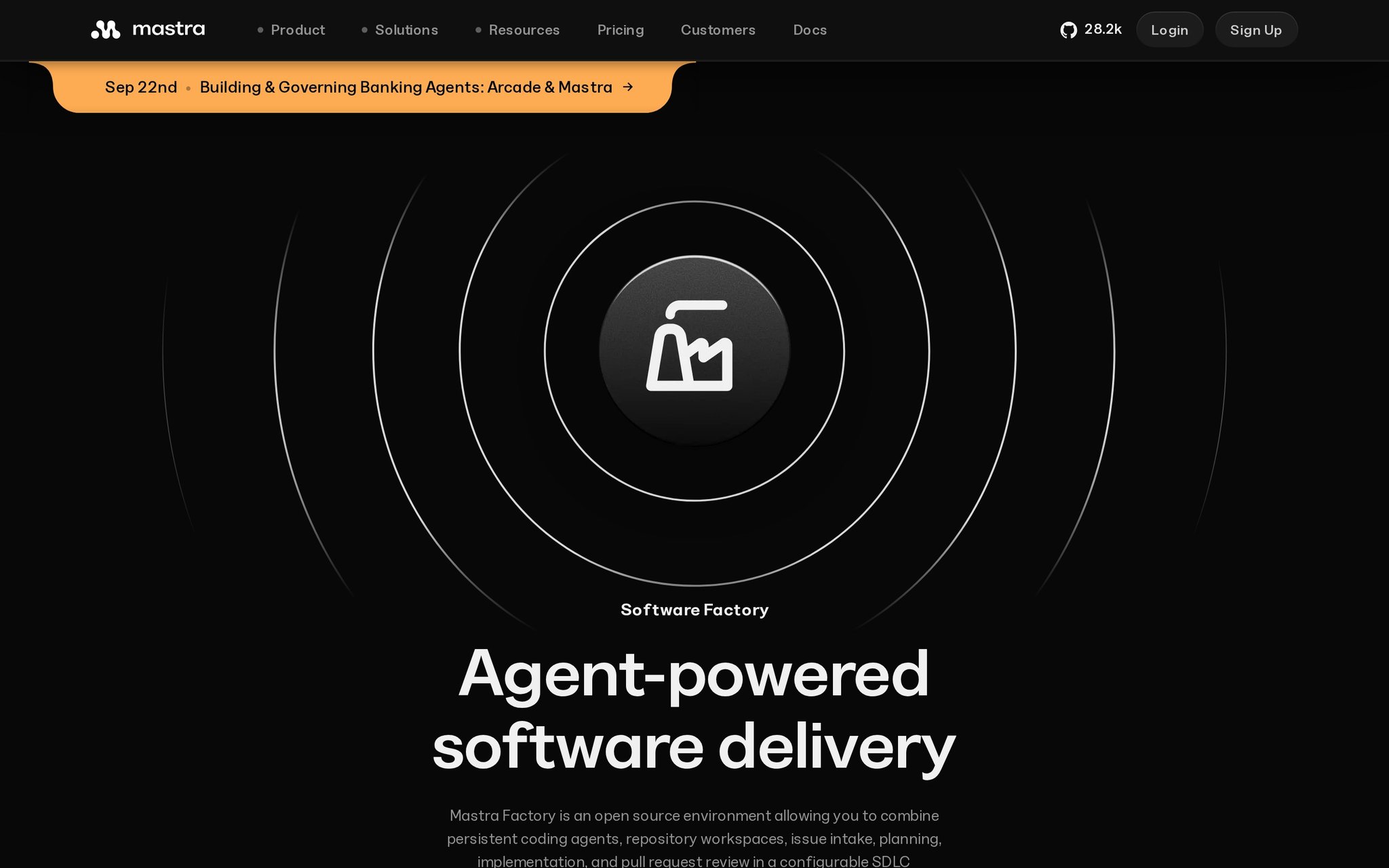
An open-source platform that runs coding agents through a controlled, stage-by-stage pipeline from issue to production. It gives teams persistent workspaces and keeps agents from running wild over an entire codebase.
Why It's Trending
They updated the product page on September 15, 2026 and now show active Starter and Teams pricing. That's the move: it's gone from being an open-source concept to a real product you can evaluate, while still letting you self-host.
Key Features
- Configurable delivery pipeline that moves work through defined stages.
- Coding agents that are limited to specific parts of the workflow.
- Persistent agent workspaces that keep context across tasks.
- Full self-hosting option on your own infrastructure.
- Managed Starter and Teams tiers for a hosted route.
Best For
- Dev teams coordinating agents across repos and deployment stages.
- Companies testing controlled agent workflows but insisting on self-hosting.
- Researchers experimenting with agent-powered software delivery.
What Makes It Different
This isn't another chat-based coding assistant. Factory treats software delivery as a staged workflow you configure. The real combo is that staged control plus the choice to go hosted or keep it all in-house.
Pricing
Freemium. Starter is $0/month; Teams is $250/month, with extra charges for usage, observability, and CPU.
Things to Consider
- Watch the overages: model usage and infrastructure costs can pile up past the base plan.
- We don't have a list of its repo or ticketing integrations.
- Setting up those delivery stages takes more work than firing up a typical coding assistant.
- It controls the workflow, but we don't know how reliably its agents actually complete production-ready work.
Our Verdict
A strong fit for dev teams ready to formalize agent-assisted delivery, but only if they've budgeted for infrastructure and overages. Don't expect an unlimited coding subscription.
Try it: https://mastra.ai/factory
2. Ponytail
What It Does
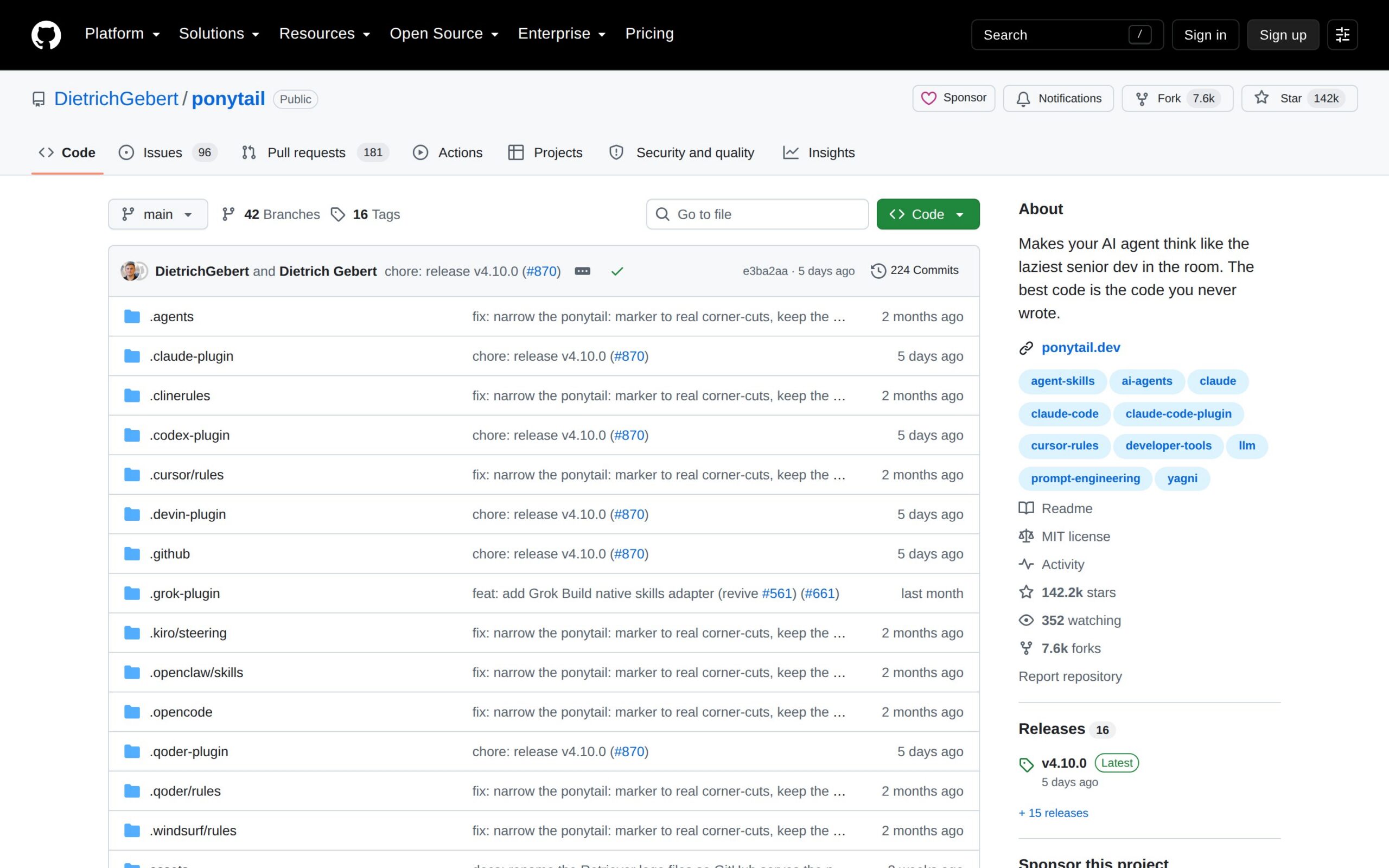
An open-source plugin that tells AI coding agents to find the smallest, safest solution. It pushes them to reuse existing code and make changes that are cheaper to review.
Why It's Trending
Version 4.10.0 dropped on GitHub September 14, 2026, right as third-party coverage spiked. The timing tells the story: it's hitting a current pain point—agents that generate too much bloat—not just building another model wrapper.
Key Features
- Guidance that pushes agents toward minimal implementations.
- Encourages reusing existing functions instead of writing duplicates.
- Prioritizes simpler, safer changes that are easier to inspect.
- Plugin format that slots into existing AI coding workflows.
- MIT licensed, so use and modify it freely.
Best For
- Developers tired of reviewing overbuilt agent-generated code.
- Businesses trying to cut review and maintenance costs in agent-assisted repos.
What Makes It Different
The default instructions in tools like Claude Code or Cursor are its real competition. Ponytail's whole pitch is that less code is the productivity feature. It changes what the agent optimizes for.
Pricing
Free. MIT-licensed, with no paid tier in sight.
Things to Consider
- Claims of 54% less code (up to 94% in some cases) come from the project's own positioning, not independent benchmarks.
- It's a plugin, but we don't have a list of which coding agents it supports.
- Teams need to understand how its guidance changes behavior before trusting the output.
- No paid tier means no hosted service or official support.
Our Verdict
If you're already using coding agents, test this on a review-heavy repo. Just measure defect rates yourself before you treat those code-reduction claims as gospel.
Try it: https://github.com/dietrichgebert/ponytail
3. Switch
What It Does
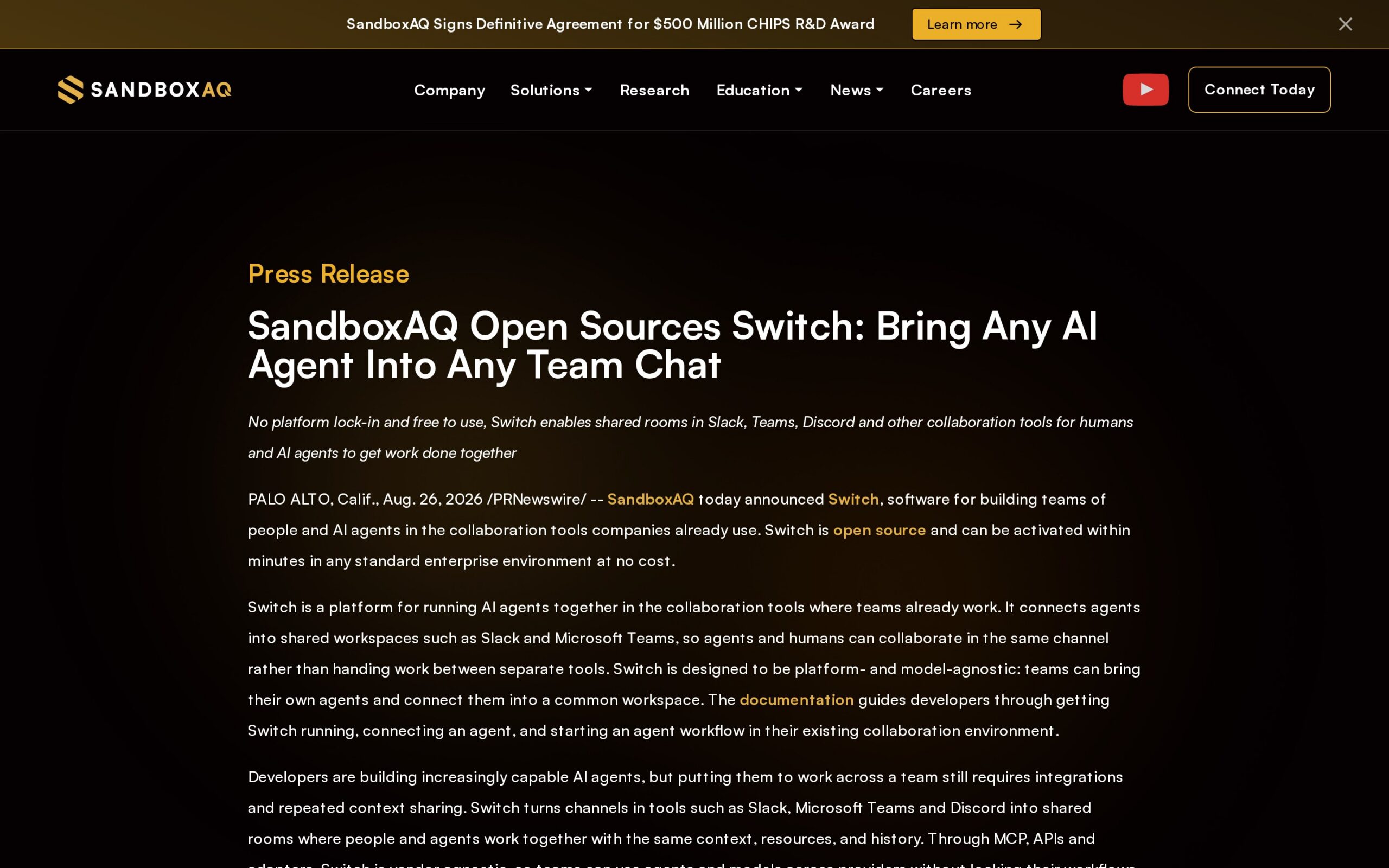
Puts AI agents right inside the team chat where work happens. People and agents share rooms, context, and history across Slack, Microsoft Teams, Discord, and Telegram—no separate AI interface required.
Why It's Trending
SandboxAQ open-sourced it in August 2026, and September coverage picked up steam (519 votes, 84 comments). The bigger deal is the free, self-hostable distribution. It's not locked to one vendor.
Key Features
- Shared chat rooms where agents and people work in the same channel.
- Full conversation history that gives agents the surrounding team context.
- Direct support for Slack, Microsoft Teams, Discord, and Telegram.
- Self-hosting lets organizations run the whole platform themselves.
Best For
- Teams that want to coordinate routine work inside existing channels.
- Developers connecting agents to shared engineering conversations.
- Researchers studying human-agent collaboration in live chat.
What Makes It Different
Forget Slack-native assistants tied to one ecosystem. Switch is open source and built to bring different agents into several chat platforms. The self-hosting and cross-platform angle is what sets it apart.
Pricing
Free. The August 2026 announcement says it's available at no cost in standard enterprise environments.
Things to Consider
- Self-hosting is an option, but we don't have details on data retention, permissions, or security controls.
- Support is named for Slack, Teams, Discord, and Telegram. Broader connectors are unverified.
- Deploying and running an open-source chat layer requires technical ownership.
- Adoption evidence beyond the launch-period buzz is thin.
Our Verdict
Teams that want agents in their existing conversations should inspect Switch first, especially if self-hosting matters. Organizations looking for mature adoption signals should wait for more than launch hype.
Try it: https://www.sandboxaq.com/press/sandboxaq-open-sources-switch-bring-any-ai-agent-into-any-team-chat
4. Tadata
What It Does
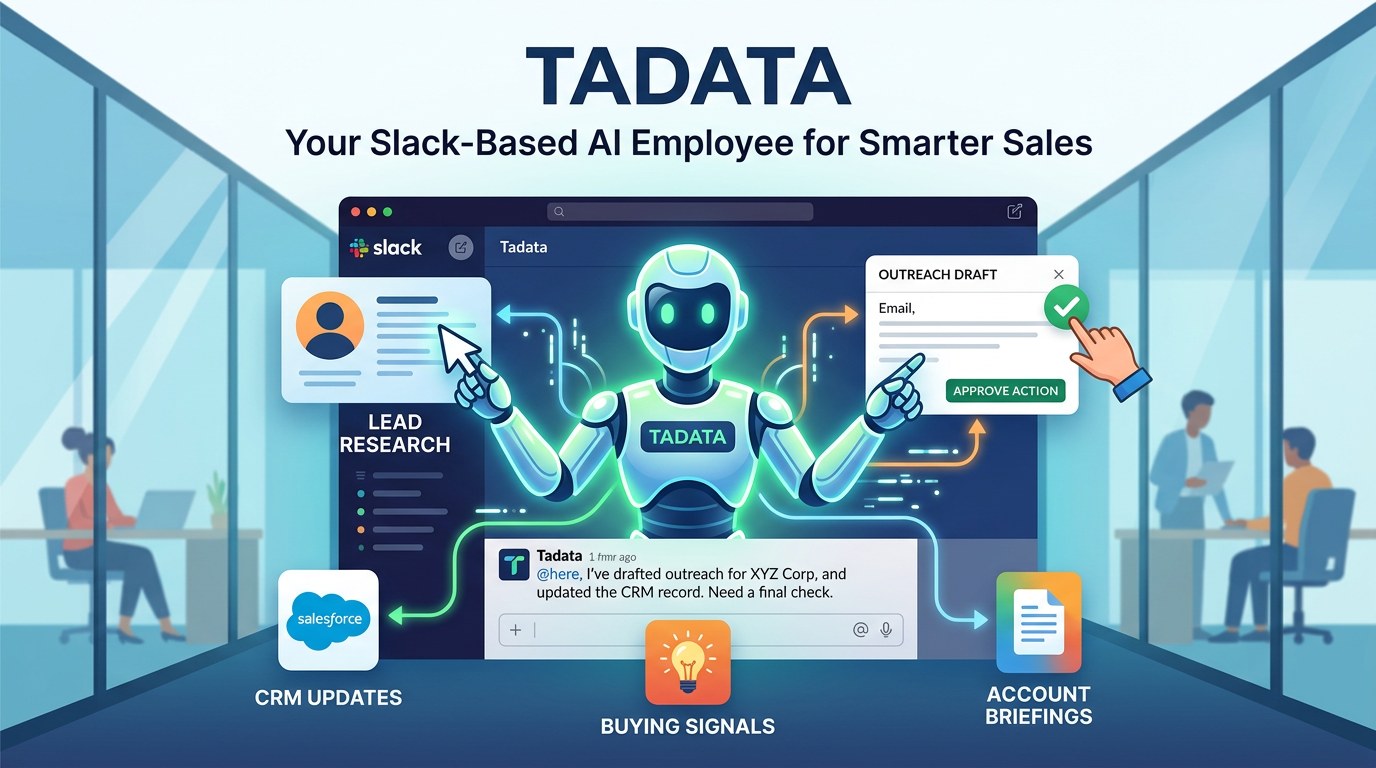
A Slack-based AI employee for sales and go-to-market work. It researches leads, watches for buying signals, drafts outreach, updates CRM records, and preps briefings—all with a human in the loop to approve actions.
Why It's Trending
Launched September 2026 with strong launch-day attention. It arrived with a narrow, Slack-native workflow for sales teams, not another general automation builder. That focus got it noticed.
Key Features
- Lead research for sales follow-up.
- Monitoring for buyer intent signals.
- Drafting outreach messages for human review.
- Writing approved info back to CRM records.
- Prepping account briefings from team context.
Best For
- Sales teams automating repetitive research and outreach work.
- Content creators drafting campaign copy from team context.
- Researchers examining human-approved agent actions in workflows.
What Makes It Different
General Slack automation like Zapier is the category. Tadata positions itself as a Slack-native AI employee that understands company context and can take sales actions after approval. The focused workflow is the differentiator.
Pricing
Freemium. Free tier includes a one-time 1,000 credits. Standard starts at $39/month for 1,000 monthly credits.
Things to Consider
- That free allowance is a one-time 1,000 credits, not a monthly quota.
- It connects to Slack and company tools, but retention and permission controls aren't detailed.
- CRM and tool connections are mentioned without a full supported-services list.
- Independent reporting beyond the launch coverage is limited.
Our Verdict
Small sales teams that live in Slack should try Tadata for research and draft prep. Just watch credit consumption and approval boundaries from the very first workflow.
Try it: https://tadata.ai
5. Loqua

What It Does
A desktop voice tool that turns spoken thoughts into edited, structured text inside your apps. Dictate a rough idea, rewrite or translate it, and schedule a task—all without stopping to type.
Why It's Trending
Launched September 11, 2026 with solid day-one engagement. Voice tools are moving past transcription, and Loqua's pitch is the handoff from a messy spoken thought to usable text and an action.
Key Features
- Voice dictation to capture ideas hands-free.
- Text structuring that turns rough speech into usable writing.
- Rewriting dictated text by voice command.
- Translating spoken or written material.
- Scheduling commands that turn voice instructions into calendar tasks.
Best For
- Content creators turning spoken ideas into drafts and revisions.
- Professionals handling quick notes and scheduling without switching apps.
- Researchers capturing field notes or working thoughts hands-free.
What Makes It Different
Ordinary dictation tools stop at transcription. Loqua is built for the whole sequence: capture, rewrite, translate, schedule. Fewer jumps between rough speech and finished action is the claimed advantage.
Pricing
Freemium. Free for one month; full pricing wasn't published in the evidence we have.
Things to Consider
- The free offer lasts one month, with no published ongoing free tier.
- We don't know how recorded speech or converted text is stored.
- Long-term independent usage evidence is missing.
- It works across applications, but the supported app list is unspecified.
Our Verdict
Voice-heavy creators and mobile professionals should trial Loqua for drafting and scheduling. The one-month free window and thin evidence mean retention is the real test.
Try it: https://www.loqua.ai
6. BriefCatch
What It Does
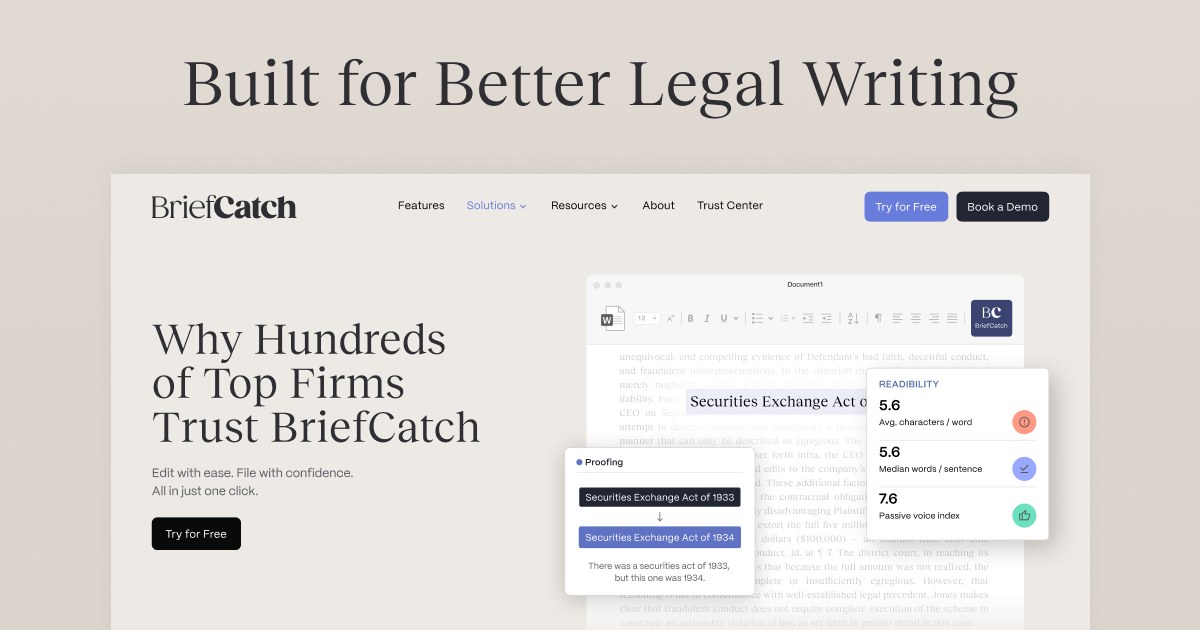
An AI legal writing and editing suite for drafting, revising, and polishing legal documents. It packages several legal-writing tasks into one product, not just a proofreading add-on.
Why It's Trending
The unified suite launched September 9, 2026, with legal-tech coverage the same month. It's relevant right now because firms are testing where AI fits in document work, and this offers a single product for drafting and editing.
Key Features
- AI-assisted legal drafting.
- Document editing and revision.
- Writing improvement during review.
- Combines multiple legal-writing tasks in one suite.
- Seven-day trial to evaluate before buying.
Best For
- Legal departments revising internal documents.
- Researchers studying AI in specialized professional writing.
- Content creators only if their work involves legal drafting.
What Makes It Different
A general AI writing assistant like Grammarly is the closest rival. BriefCatch is differentiated by its legal-specific positioning and full-suite approach, though we don't know if it has unique underlying tech.
Pricing
Freemium. Seven-day free trial; full pricing wasn't visible in our evidence.
Things to Consider
- The free evaluation ends after seven days.
- Legal documents are sensitive, but storage and confidentiality details aren't given.
- Launch coverage doesn't establish legal accuracy or jurisdictional performance.
- Supported document editors or practice-management systems aren't specified.
Our Verdict
Legal teams should treat this as a tightly scoped trial for drafting and editing, not a substitute for attorney review—especially while pricing and product depth are unclear.
Try it: https://www.briefcatch.com
7. Storyflow
What It Does
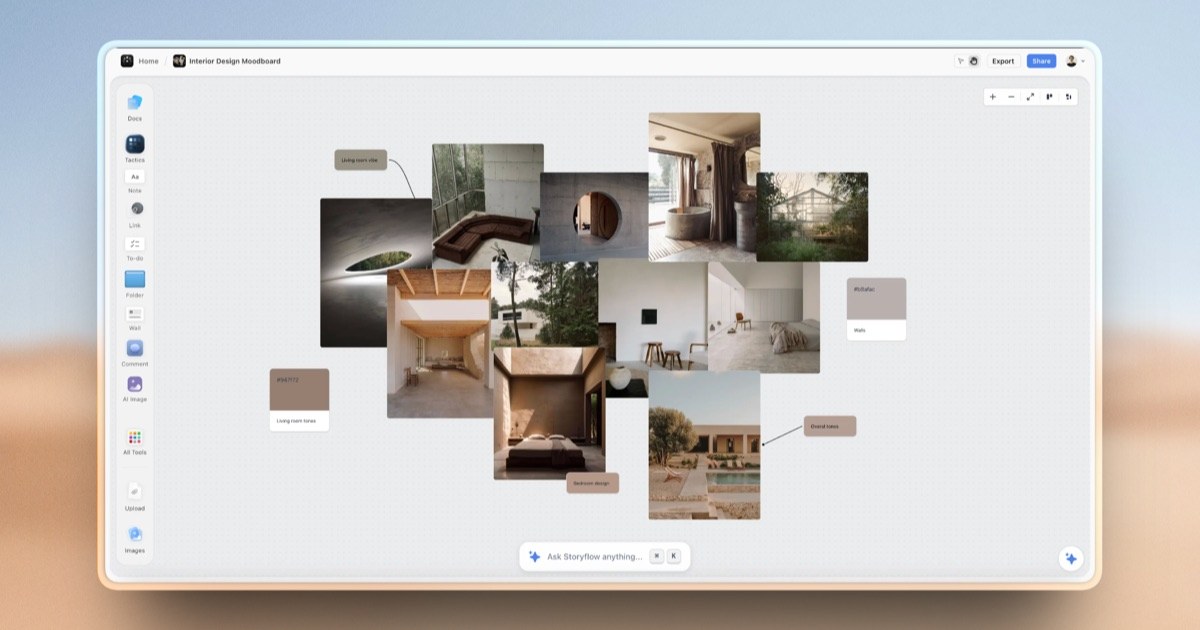
An AI document editor that sees your whole project while you revise. It's for when an edit depends on surrounding material, linked docs, or a broader canvas, not just one isolated file.
Why It's Trending
This is a slow-burn pick. Early-access plans are live now, with a free plan scheduled for late 2026. The current hook is its whole-canvas approach to context-heavy editing.
Key Features
- Reads the broader project canvas for context.
- Brings @-mentioned documents into an edit.
- Grounds revisions in surrounding project material.
- Connects related documents during work.
- Paid early-access workspace before the planned free plan.
Best For
- Writers revising long projects with supporting documents.
- Researchers editing reports that pull from multiple source files.
- Businesses maintaining consistent language across project docs.
What Makes It Different
Single-document editors like Word with an AI add-on are the competition. Storyflow claims to read the whole canvas and referenced documents together. That context model is the point of difference.
Pricing
Paid. Plans start at $7.99/month billed annually. A free plan is scheduled for late 2026.
Things to Consider
- We don't know the document, generation, or storage limits.
- Whole-project context might require careful document organization.
- Early access means those context-aware edits still need close checking.
- Supported external document systems aren't specified.
Our Verdict
Writers and researchers managing interdependent docs should watch Storyflow if context loss is their bottleneck. Early-access status and the missing free plan limit low-risk experimentation for now.
Try it: https://storyflow.so
8. Browser Use

What It Does
An AI browser-agent platform for automating tasks on the web. Developers use it to have agents complete browser interactions and build repeatable web workflows instead of scripting every click.
Why It's Trending
A September 2026 pricing page laid out a free tier and paid plans with annual discounts. It's a quieter catalyst than a viral launch, but it puts a dev-focused agent platform in a clear evaluation frame: try free, then scale from Dev to Business or Scaleup.
Key Features
- Agents that complete tasks through websites.
- Automates browser-based workflows.
- Developer framework for building custom agent workflows.
- Self-hosting option for local control.
- Cloud-managed access if you don't want to deploy.
Best For
- Developers automating repetitive browser work.
- Companies testing web-based process automation.
- Researchers evaluating agents that act through live sites.
What Makes It Different
Consumer browser assistants are one thing. Browser Use is a developer framework with both self-hosted and cloud options. The distinction is deployment control and programmability.
Pricing
Freemium. Free tier; Dev is $29/month, Business $299/month, Scaleup $999/month, Enterprise is custom.
Things to Consider
- Paid tiers and infrastructure costs can get significant as tasks scale.
- Self-hosting is available, but browser-data handling isn't specified.
- Current evidence is pricing-focused, not broad reporting on task success.
- Building reliable browser workflows is more involved than asking a consumer assistant for a one-off task.
Our Verdict
Developers building repeatable web automation should evaluate this before adopting a consumer agent. Task reliability and operating cost will decide if the deployment flexibility pays off.
Try it: https://browser-use.com
9. Grok Bot
What It Does
A beta AI teammate that runs on a persistent cloud computer. You give it a job and it handles multi-step work across apps and websites, using a browser, filesystem, and terminal.
Why It's Trending
Launched in August 2026 and expanded to more plans (like Cursor and SuperGrok) later that month. That access change is why it's appearing now: it moved from a narrow launch to a broader paid-plan footprint, though it's still in beta.
Key Features
- Persistent cloud computer as the agent's working environment.
- Browser access for operating on websites.
- Filesystem access for working with stored files.
- Terminal access for command-line tasks.
- Long-lived context that preserves the agent's identity and job history.
Best For
- Developers delegating multi-step browser and terminal work.
- Operations teams testing always-on assistants for bounded tasks.
- Content creators handing off repetitive work across web apps.
What Makes It Different
Chat assistants like Claude or ChatGPT aren't the competition. Grok Bot makes the agent's computer the product—browser, filesystem, terminal, and persistent context are all part of the workspace. More autonomy, more beta-stage risk.
Pricing
Paid. Included with eligible paid plans; no standalone price was stated.
Things to Consider
- Eligibility depends on paid plans, but task or compute quotas aren't specified.
- A persistent computer with browser and filesystem access raises control questions we can't answer.
- It's still in beta, so multi-step reliability isn't established.
- Access is described broadly across apps and websites without a compatibility list.
Our Verdict
Dev and ops teams with tightly bounded tasks can test this, but only behind access controls. Its persistent computer is useful exactly where beta-stage mistakes carry real consequences.
Try it: https://x.ai/news/introducing-grok-bot
The pattern's clearer than the hype. The interesting tools aren't trying to replace every app. They're fixing one costly handoff—between issue and deployment, voice and draft, chat and action, browser and workflow.
Start with the tool closest to a problem that's already wasting your time. That's where momentum has a shot at becoming durable utility.