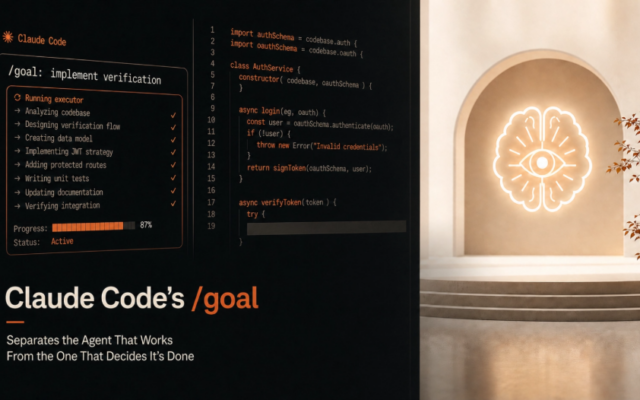
Forget the chatbot demos. The real September action is happening underneath them, in the plumbing. Sandboxes that don't let agents run wild.
Context tools that give them the right files, not the whole repo. Strict tests that catch the failures before users do. This list is ten developer tools turning AI from a clever autocomplete into a workbench you might actually trust.
They're mostly open source. They don't replace review. That's the whole point.
1. Continue
What It Does
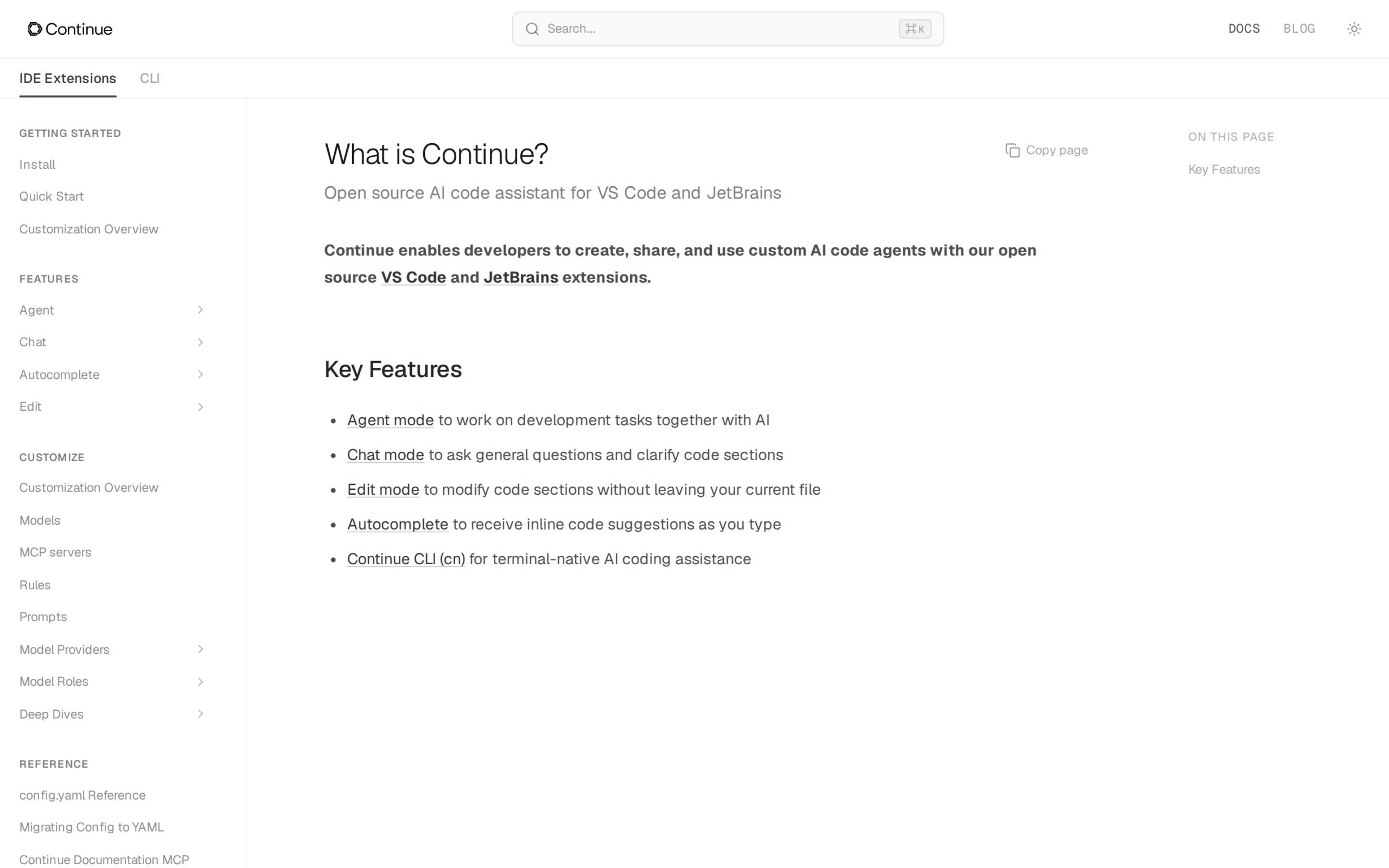
An open-source coding platform for VS Code, JetBrains, and the terminal. Use it to explain code, refactor files, or build custom agents that run checks on every pull request. The platform itself is free; you pay for the model providers separately.
Why It's Trending
Its August and September 2026 updates blew it out of the editor. It's now a CLI and a source-controlled check for pull requests, meaning one workflow can follow you from your editor, to the terminal, to the CI pipeline. That's a single project's footprint across your whole dev cycle.
Key Features
- Suggests completions, explains code, and refactors files right inside your editor.
- Lets teams create and share custom coding agents.
- Runs AI-powered checks automatically on pull requests in your CI.
Best For
- Software developers refactoring or explaining code in VS Code or JetBrains.
- Engineering teams that want repeatable AI checks on every pull request.
- Enterprise devs using local models or approved, hosted providers.
What Makes It Different
This isn't just another editor assistant. Continue also brings agents into your terminal and your pull-request checks. Its bring-your-own-model approach gives you more flexibility than tightly bundled tools, though it also means your team has to handle model selection and quality control.
Supported Environment
Works in VS Code, JetBrains, and the terminal via a `cn` command. Configure it with YAML and plug it into pull-request pipelines. Examples cover JavaScript, TypeScript, and Python.
Productivity Impact
It can dramatically shorten routine work like explanation, refactoring, and documentation. But human review is still essential. An agent's quality lives and dies by the model and configuration you give it, especially in big, complex projects.
Things to Consider
- Code quality depends entirely on the underlying model and how you configure its prompts.
- If you use a hosted model, your code snippets go to that provider. Local models keep everything on your machine.
- Complex monorepos might get slow, noisy responses without you manually managing the context.
Our Verdict
Pick this if your engineering team wants a single, open workflow that stretches from the editor, to the terminal, all the way to your pull requests. It fits best when you're ready to manage model keys, set context rules, and keep the review gates firmly in place.
Docs: https://docs.continue.dev/
2. Open Interpreter
What It Does
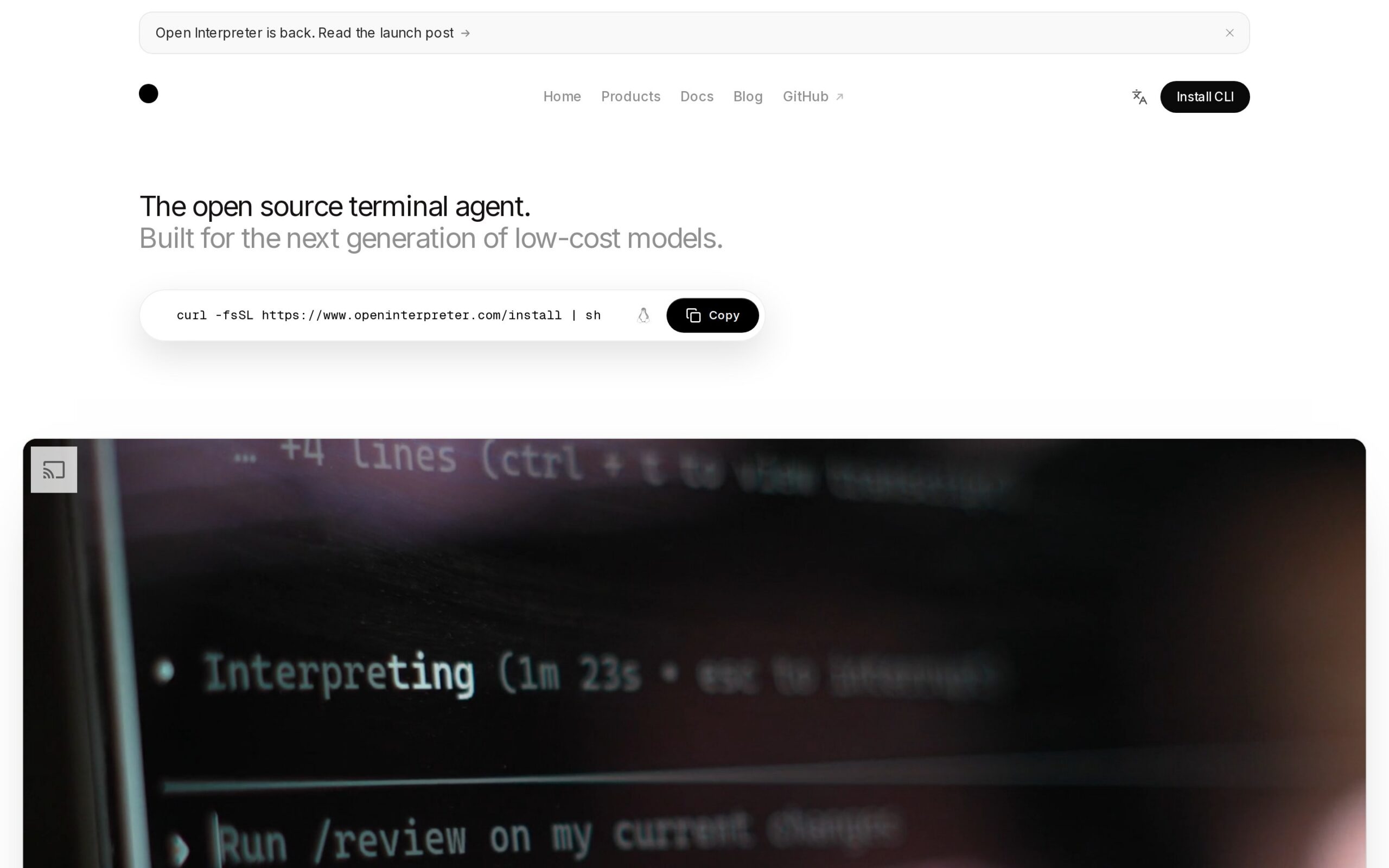
An open-source terminal agent that reads project files, edits code, and runs commands. Switch models on the fly with a `/model` command, so you can explore and change a project without leaving the CLI. It's free, but you'll need to install its interpreter command.
Why It's Trending
The September 2026 public build leans hard into open and low-cost models. It lists providers like Anthropic, DeepSeek, Kimi, Qwen, Groq, and OpenAI-compatible services. That flexibility is the practical reason developers are checking it out right now.
Key Features
- Inspects files and edits code in a checked-out project.
- Runs multi-step terminal tasks on your behalf.
- Writes or changes code through whichever model you select.
- Runs commands to help you inspect a failing project.
Best For
- Software developers who live in terminals and want to explore projects from there.
- Startups that like to switch between lower-cost and premium hosted models.
- DevOps folks automating command-line inspection, with a human still in the approval loop.
What Makes It Different
Compared to Continue, Open Interpreter is terminal-first and has more direct authorization to run commands. Its superpower is model choice. The trade-off is that the sources offer fewer safety guarantees for letting it work unattended.
Supported Environment
Pure terminal workflows. It connects to a wide range of providers: Anthropic, DeepSeek, Kimi, Qwen, Groq, OpenAI-compatible services, Bedrock, Ollama, and LM Studio.
Productivity Impact
It can take over project inspection, file editing, and command execution. But its usefulness is tied to the model you pick. Every single file change or command it runs deserves a developer's review.
Things to Consider
- It reads your files and runs commands. The public pages don't verify if your code or context leaves your machine.
- The sources make no claims about safe, unattended use for an agent that can execute commands.
- Having lots of provider options doesn't mean you'll get reliable edits across every project.
Our Verdict
This is a strong fit for terminal-dwelling developers who want to compare models while automating project chores. Just remember: command approval and code review aren't optional here.
Docs: https://www.openinterpreter.com/
3. code-review-graph
What It Does
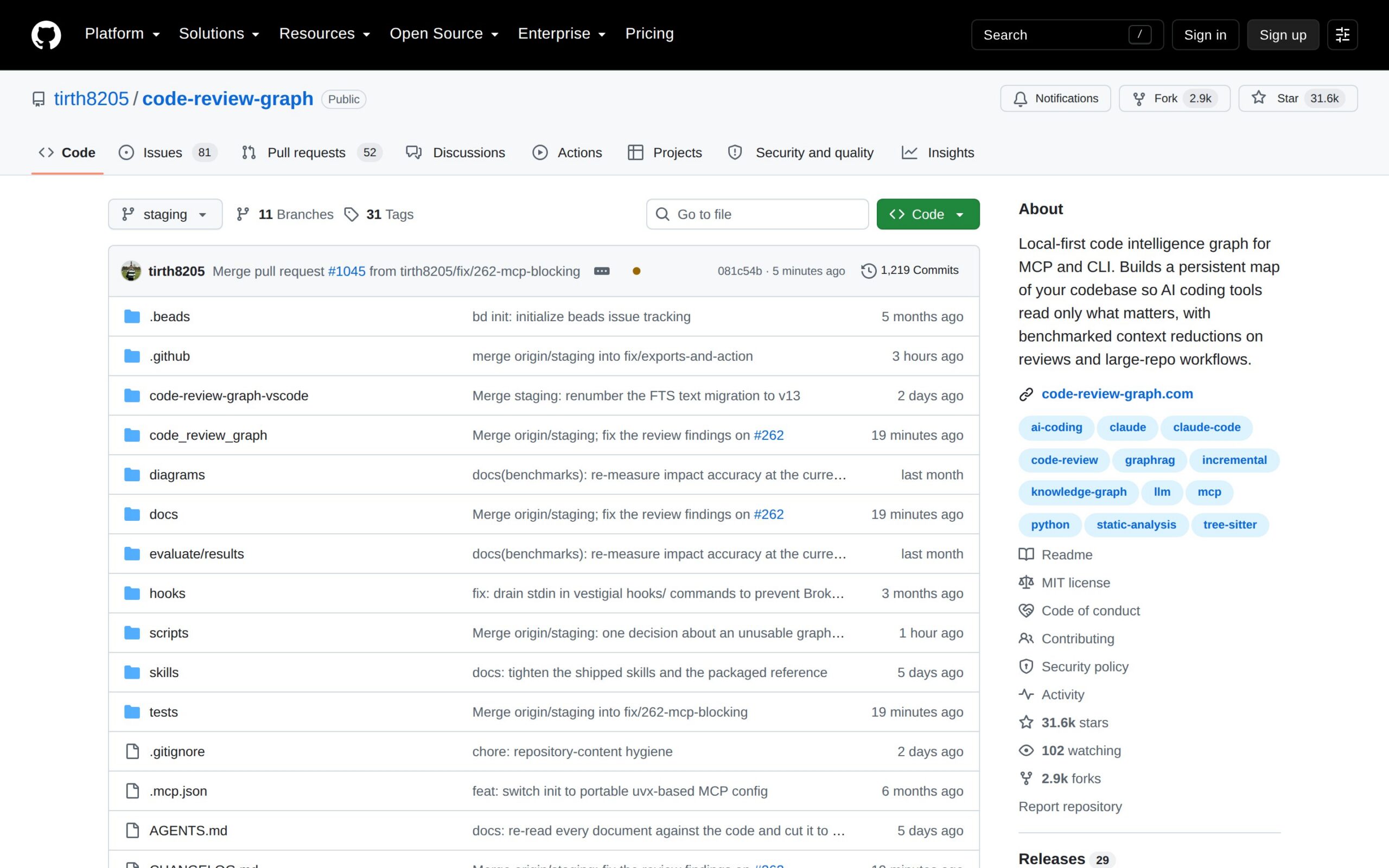
This MIT-licensed tool builds a local map of your repository's structure. AI tools can then ask the map for files connected to a change, instead of having to swallow the whole project. That makes code review and impact analysis way more focused.
First indexing on a mid-size repo takes tens of minutes.
Why It's Trending
The project's July and August 2026 updates added a persistent graph, support for the Model Context Protocol, and parsers for over 30 languages. It's solving a problem that's becoming painfully obvious: AI agents are drowning in irrelevant context from large repositories.
Key Features
- Feeds targeted repository context to your coding assistants.
- Helps trace relationships between different areas of affected code.
- Supports change-impact analysis before you run tests or reviews.
- Exposes the graph through tools using the Model Context Protocol.
Best For
- Software developers reviewing changes in massive repositories.
- Engineering teams checking the likely impact of a change before merging.
- Enterprise devs who want to keep repository indexing on their local machines.
What Makes It Different
Where Repomix just flattens a repo into one big file, code-review-graph preserves the structural relationships in a local, SQLite-backed graph. That means an assistant can retrieve just the connected code it needs.
Supported Environment
It's a local service backed by SQLite. It works with Model Context Protocol tools and uses Tree-sitter to parse Python, TypeScript, Go, Rust, Java, Solidity, and 30-plus other languages.
Productivity Impact
It slashes wasted model context and focuses review questions on the relevant files. The catch? The first parse costs you time and local resources.
And assistants that don't support the Model Context Protocol can't use the graph directly.
Things to Consider
- Parsing and graph storage stay local, so less of your repo code has to leave your machine.
- A structural map doesn't guarantee an AI assistant will understand your business rules.
- Its main benefit depends on your assistant supporting the Model Context Protocol.
Our Verdict
This tool is aimed squarely at teams whose repos are too big for casual AI context sharing. It earns its place when local control and precise retrieval matter more than instant setup.
Docs: https://github.com/tirth8205/code-review-graph
4. Daytona
What It Does
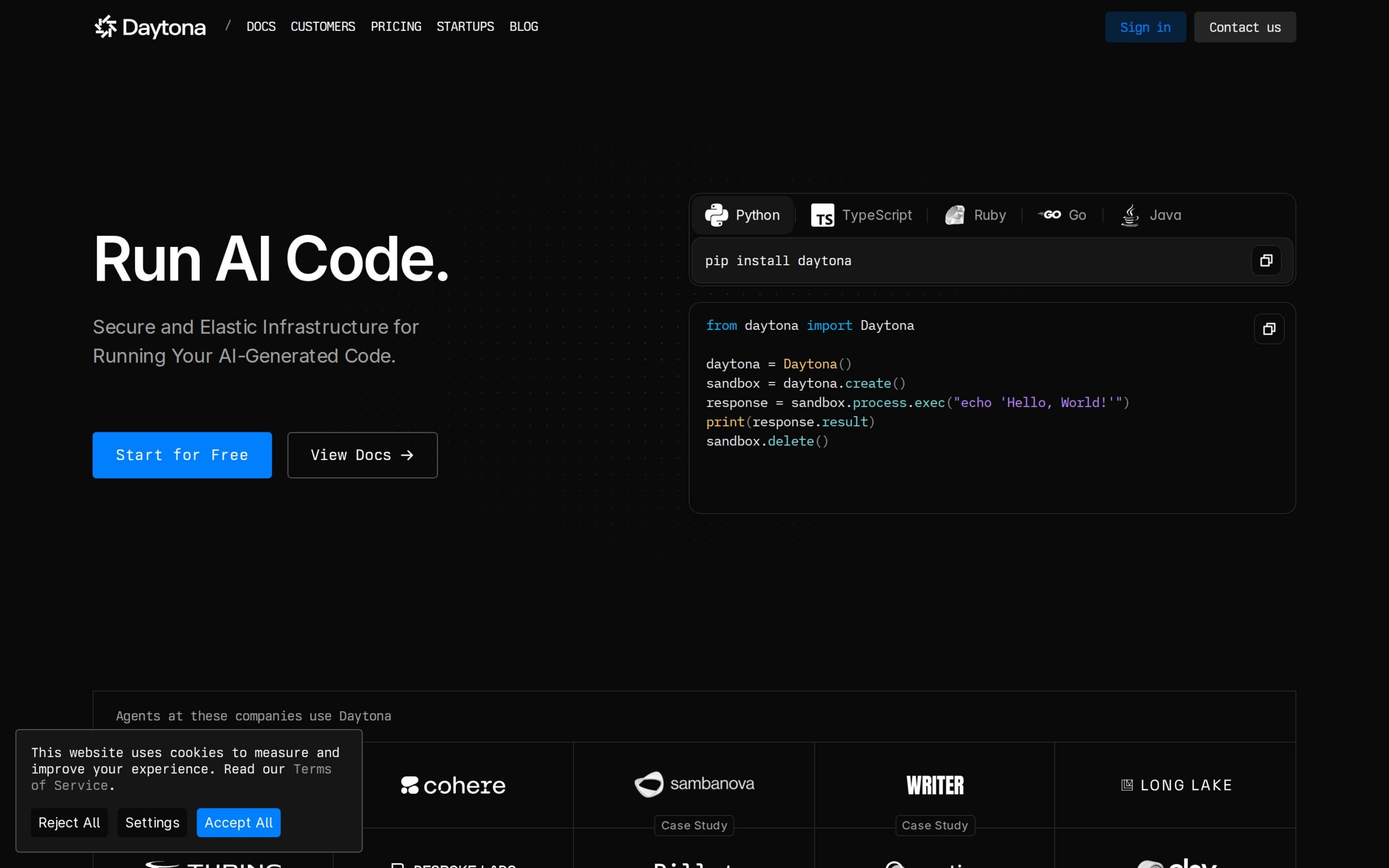
Daytona provides isolated compute environments where AI-generated code and agent workflows can run safely. You create sandboxes through its SDKs, then use them to execute code or host agents, without giving those agents direct access to your shared dev machine.
Why It's Trending
Its 2026 documentation pushes customer-managed compute, isolated sandboxes, and a control plane for agent execution. The timing is perfect, because teams are moving from asking agents for code to actually letting them run that code—and they need a safe place for it to happen.
Key Features
- Hosts agents inside managed sandboxes.
- Runs generated code away from your main workspace.
- Isolates execution on compute you manage yourself.
- Creates temporary dev environments through SDKs.
Best For
- Engineering teams running generated code with separation from their core systems.
- DevOps creating repeatable sandboxes for agent workloads.
- Enterprise developers keeping compute in their own cloud.
What Makes It Different
This isn't a coding assistant. Daytona is the execution layer. Its specific promise is isolated, customer-managed compute, so there's no shared compute or cross-tenant risk—at least, none mentioned on the product page.
Supported Environment
Cloud-based, with SDKs for Python, TypeScript, Ruby, Go, and Java. You bring your own cloud compute to run the sandbox runtimes.
Productivity Impact
It makes agent experiments, generated-code execution, and isolated dev environments easier to spin up and repeat. But it doesn't improve the code itself. You still need your own tests and reviews.
Things to Consider
- The product says sandboxes are isolated, but you still need policies for the generated code they run.
- Code runs in your cloud environment, but the sources don't detail every external model's data policy.
- Sandboxing limits the damage of bad code; it doesn't make the code any less faulty.
Our Verdict
Daytona fits DevOps and enterprise teams that need agents to run code without touching a developer workstation. It's overkill for simple autocomplete, and it's only useful if you have sound sandbox policies to go with it.
Docs: https://www.daytona.io/
5. Promptfoo
What It Does
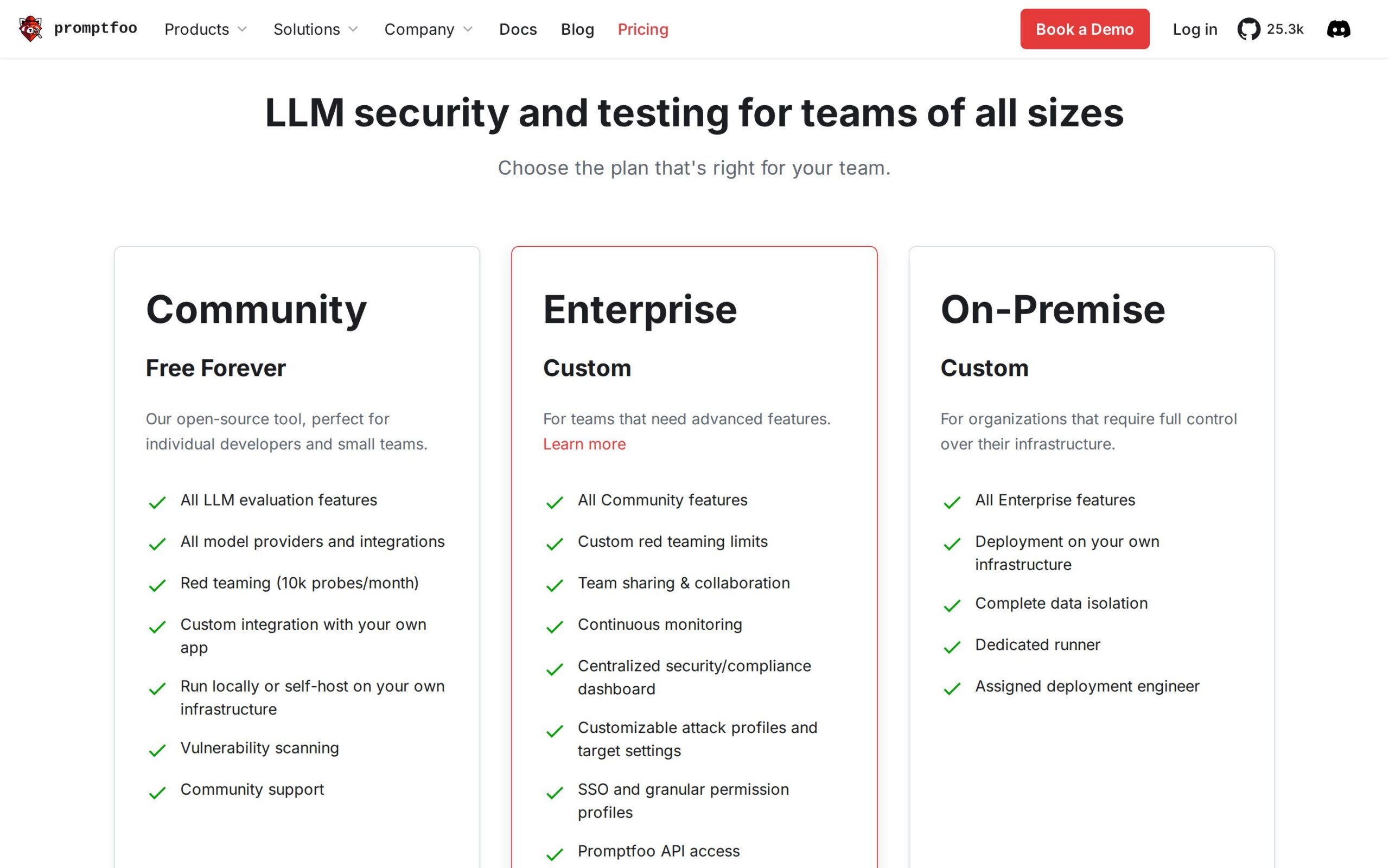
This tool tests prompts, agents, and RAG workflows by comparing their outputs. Use it to check if an AI feature behaves safely and consistently before you ship it, instead of trusting one impressive demo. Enterprise pricing is custom.
Why It's Trending
Its 2026 documentation frames it for evaluation, red teaming, and vulnerability scanning across providers. That's timely, because teams are discovering an agent can ace a happy-path demo while completely failing on unusual or hostile inputs.
Key Features
- Compares outputs across different prompts and models.
- Reveals behavior differences between test runs.
- Supports red teaming and vulnerability scanning.
- Evaluates agents and RAG systems.
Best For
- Software developers checking their prompts before shipping.
- Engineering teams building repeatable AI regression tests.
- Enterprise devs assessing model behavior and safety.
What Makes It Different
Langfuse watches what happens in production. Promptfoo is about deliberate tests and comparisons before and during deployment. It helps you ask, 'Which version fails less?' instead of just recording that a failure happened.
Supported Environment
A CLI and API tool. You configure it with connections to providers like OpenAI and Google for evaluations.
Productivity Impact
It speeds up model comparison, prompt tuning, and safety checks by turning your examples into repeatable tests. Human judgment is still key, because the results depend entirely on how you design and interpret those tests.
Things to Consider
- Your prompts get sent to the configured model providers during evaluation, so inputs may leave your machine.
- Test results can't cover every real user request or domain-specific risk.
- Provider-specific setup and token charges vary depending on which model service you connect.
Our Verdict
Promptfoo belongs with engineering teams that treat AI behavior like software that needs regression tests. It's less useful when nobody has time to design meaningful test cases or review what the scores actually mean.
Docs: https://www.promptfoo.dev/pricing/
6. SWE-agent
What It Does
Give SWE-agent a GitHub issue, and it gives an AI agent access to the repo to inspect code, attempt a fix, and propose changes. Teams use it for bug fixes or feature work before a human reviews the result. It's open source, but you pay for the language models.
Why It's Trending
The project's September 2026 material focuses on issue resolution in real repositories, coding challenges, and security tasks with multiple model choices. That's a much more concrete target than generic 'AI coding': start with an issue, end with a proposed patch.
Key Features
- Navigates repositories and modifies files.
- Attempts fixes based on GitHub issue descriptions.
- Works through repository tasks with a chosen model.
- Relies on a project's existing tests as part of its repair workflow.
Best For
- Software developers triaging and attempting routine bug fixes.
- Engineering teams letting agents prepare issue patches for review.
- Startups testing semi-autonomous maintenance workflows.
What Makes It Different
Compared to Continue, SWE-agent starts from an issue in a real repo and aims for an end-to-end patch. That focus makes it more autonomous, but it also gives failures more room to affect shared code.
Supported Environment
GitHub and CLI. It's open-source tooling connected to GitHub repos and configured language models. Support depends on your repo's language.
Productivity Impact
It can take the first pass on issue investigation, code edits, and proposed fixes. Human review and your test suites are mandatory. Agents can misunderstand issues, introduce regressions, or completely mishandle critical bugs.
Things to Consider
- Complex changes can fail or introduce regressions even when the issue sounds simple.
- Don't let it anywhere near high-risk security bugs unattended.
- Your repository code and issue content get sent to the language-model providers you configure.
Our Verdict
SWE-agent suits teams willing to treat autonomous issue fixing as a supervised experiment. It belongs behind tests, strict permissions, and review—not in an unattended pipeline for critical production changes.
Docs: https://swe-agent.com
7. Langfuse
What It Does
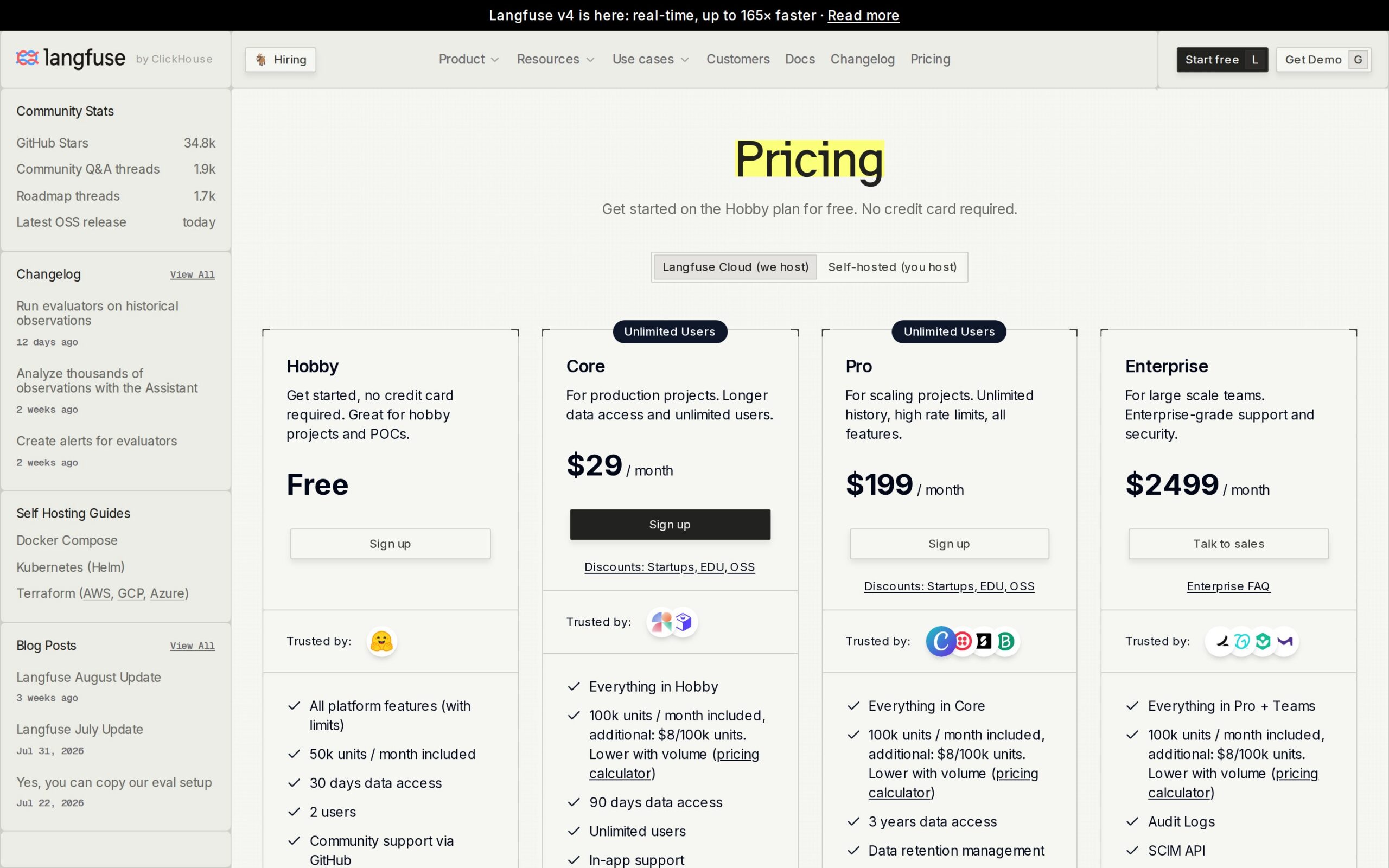
Langfuse records what your LLM applications and agents do in production, capturing quality and cost signals. Developers use those traces to find slow steps, compare results, and debug AI features after users hit trouble. Cloud pricing starts free, then costs $8 per 100,000 units.
Self-hosting is an option.
Why It's Trending
Its 2026 material continues to frame it as an open-source observability and evaluation platform for agent workflows. As teams deploy more multi-step agents, a trace showing each step is infinitely more useful than a single final answer buried in a log.
Key Features
- Traces agent behavior to identify inefficient steps.
- Evaluates LLM application quality.
- Records multi-step agent runs.
- Helps developers inspect production failures and costs.
Best For
- Software developers debugging AI application behavior.
- Engineering teams tracking quality and spending across agents.
- Enterprise developers who want to self-host their observability data.
What Makes It Different
Promptfoo is about planned tests. Langfuse focuses on live application traces. It can show you where a production run went wrong, but it can't automatically repair the underlying prompt or code.
Supported Environment
Cloud or local. You can use cloud plans or self-host the open-source deployment. Instrumentation depends on your application stack.
Productivity Impact
It shortens the hunt for bad prompts, expensive calls, and sluggish agent steps. But you have to instrument your applications and learn to interpret the traces, so it adds work before it starts saving you debugging time.
Things to Consider
- Cloud observability data lives in Langfuse's service. Self-hosting keeps it under your control.
- Traces can contain prompts, responses, and sensitive application context.
- Cloud usage is metered. Self-hosting shifts the cost to your own operations.
Our Verdict
Langfuse is for engineering teams already running AI features in production who need hard evidence about failures and cost. It's premature for a prototype with no live traffic or instrumentation discipline.
Docs: https://langfuse.com/pricing
8. Repomix
What It Does
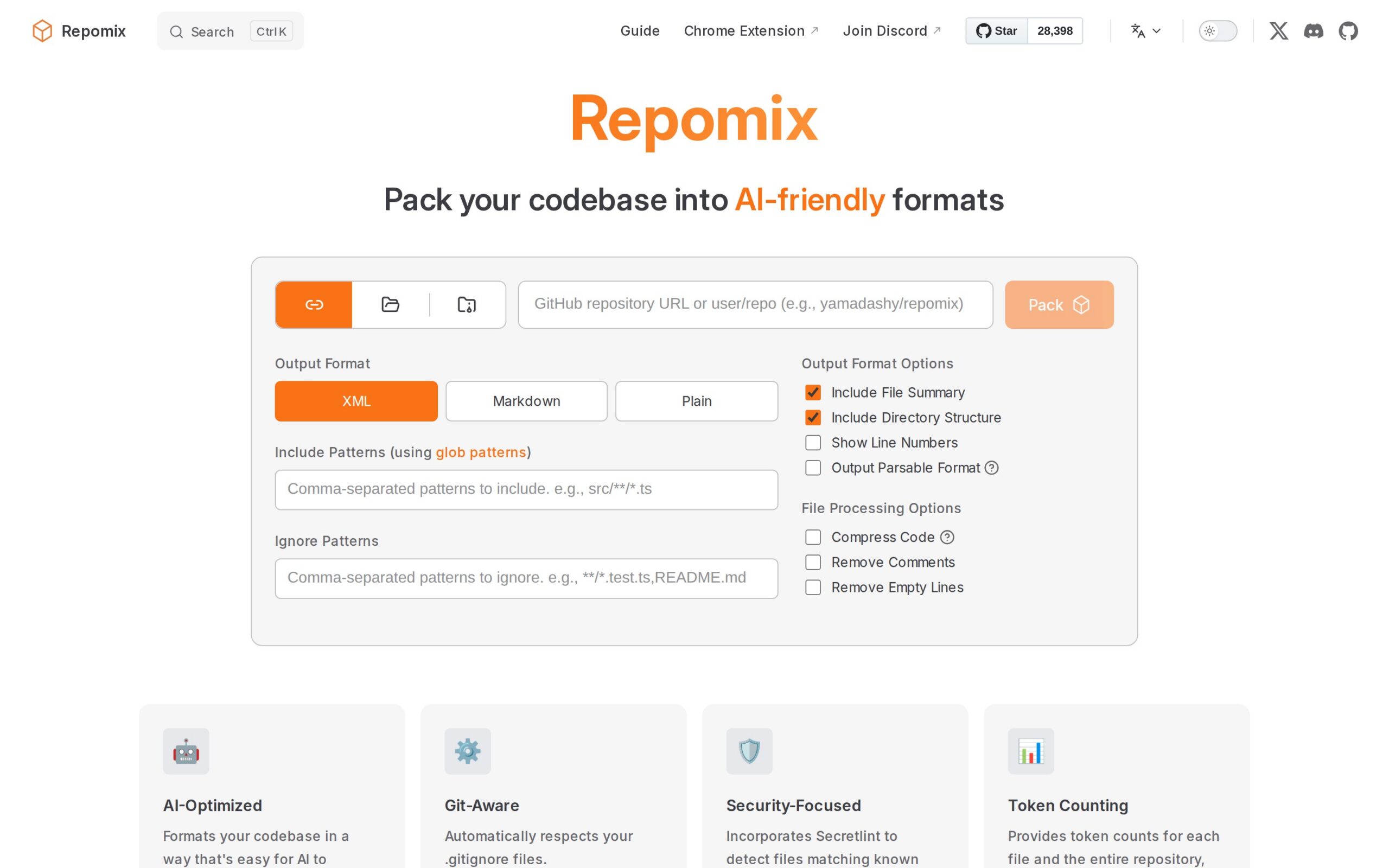
Repomix reads a repository and packs its files into one AI-friendly bundle. Upload that file to an assistant for code review, documentation, or refactoring, without giving the assistant direct repo access. It's free, runs locally, and usually takes under an hour to install and run.
Why It's Trending
The project's 2026 material keeps it relevant as a simple answer to a common workflow gap: some assistants just can't explore a repository on their own. It's a slow-burn utility, not a flashy new platform launch.
Key Features
- Supplies a whole-project context bundle.
- Helps assistants draft changes with full repo background.
- Gives an assistant the files it needs to inspect a problem.
- Supports review and documentation workflows around a bundled codebase.
Best For
- Software developers sharing project context with basic AI tools.
- Startups preparing repositories without building custom integrations.
- Engineering teams creating review bundles for one-off analysis.
What Makes It Different
Where code-review-graph builds a smart map, Repomix is simpler and easier to hand to almost any AI tool. The trade-off? It gives up structural navigation by flattening everything into one large file.
Supported Environment
Local CLI. It packs files from any programming language. After that, you manually upload or paste the bundle into an external AI service.
Productivity Impact
It kills the chore of copying dozens of files into an assistant and can speed up documentation or review. Be careful with large repos—they might blow past your model's context limits, forcing you to pack selectively.
Things to Consider
- The packing step is local, but uploading the bundle sends your repo context to an external AI service.
- Flattening the repo can lose navigational clarity and important project relationships.
- A complete bundle can expose secrets or sensitive files if you don't check your exclusion rules.
Our Verdict
Repomix fits developers who need a low-friction bridge to AI tools without deep repository integration. It's a practical choice for small projects, but large teams should look for structured, selective context tools.
Docs: https://repomix.com
9. RTK
What It Does
A local CLI tool that trims noisy command output before an AI assistant sees it. The project claims up to 90% less output noise, so an agent spends more of its limited reading space on useful errors and results. It's open source and claims zero configuration changes.
Why It's Trending
The September 2026 project page tackles a narrow problem that's gotten worse as agents run more shell commands: logs can crowd out the information needed for the next decision. RTK is a slow-burn utility, not a broad coding platform.
Key Features
- Reduces shell noise before it reaches an agent.
- Keeps relevant command results visible.
- Makes terminal-assisted work more context-efficient.
Best For
- Software developers using terminal agents on noisy projects.
- DevOps passing cleaner build and deployment output to assistants.
- Startups reducing context waste without adding a hosted service.
What Makes It Different
This isn't a repository packer or a full coding agent. Its job is the smaller, earlier step of cleaning command output locally, right before the AI gets a look.
Supported Environment
A zero-dependency, single-binary CLI tool for AI-assisted terminal workflows. No language-specific limits are stated.
Productivity Impact
A 90% noise reduction could leave way more room for relevant context during builds and debugging. But the evidence only talks about less noise, not faster or more accurate code changes. You'll need to test it with your own workload.
Things to Consider
- Trimming output could hide information your agent or a developer actually needs, if the filtering is too aggressive.
- It runs locally, so your data stays on your machine until you send it to an AI.
- It doesn't review or improve code. Its benefit ends before any actual change is made.
Our Verdict
RTK is a sensible utility for teams whose terminal agents are drowning in logs. Its narrow scope is the whole point: it improves context hygiene, not coding judgment or safety.
Docs: https://www.rtk-ai.app/
10. Qwen-Code
What It Does
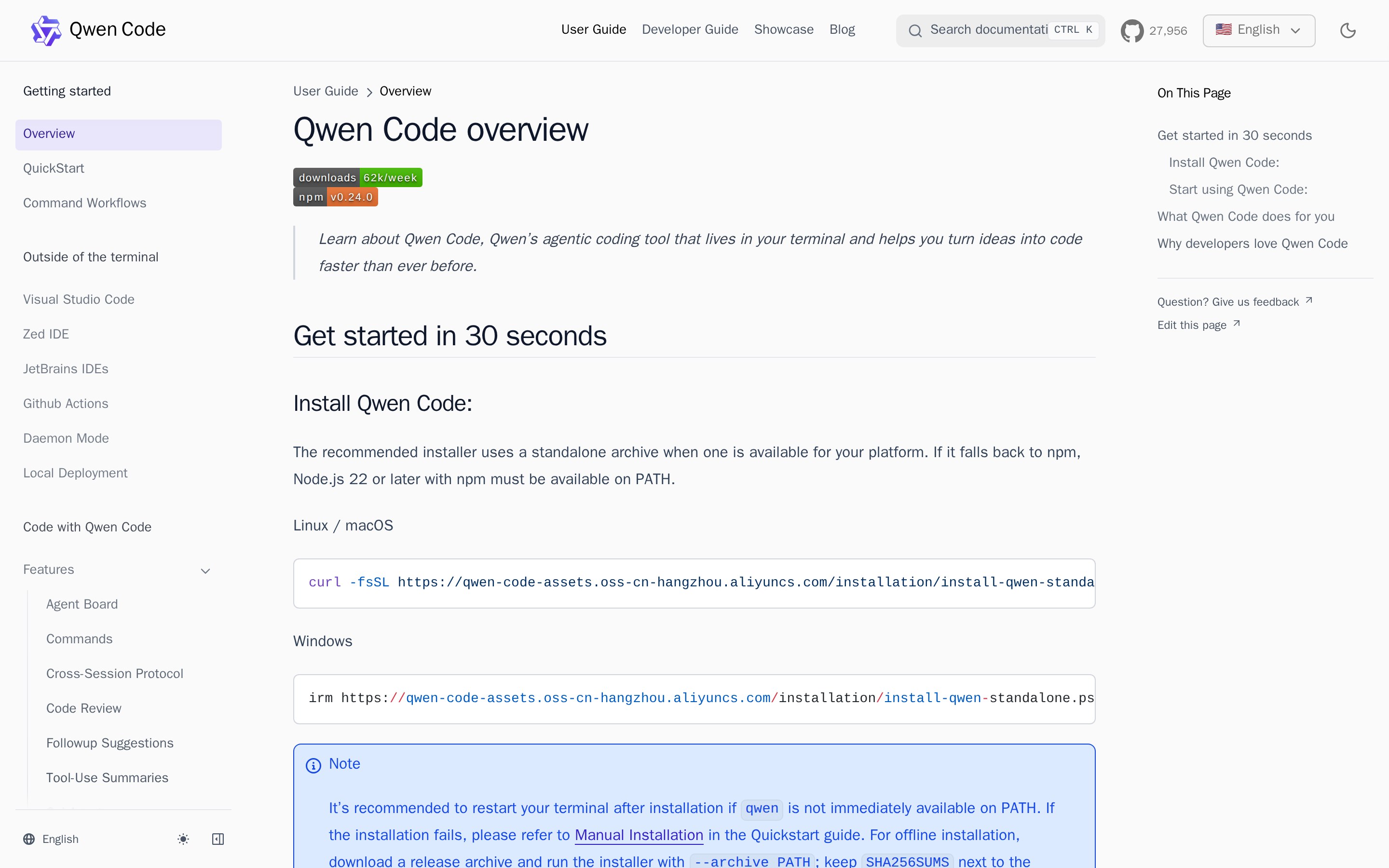
An open-source terminal coding agent built around Qwen models. Run it inside a project to understand files, generate code, explain logic, and refactor—all without opening a full editor assistant. The software is free; setup takes under an hour if you're experienced, plus any model costs.
Why It's Trending
Its 2026 user docs push a terminal-first alternative to editor assistants, with Qwen models handling project navigation and edits. That keeps it on the radar for developers who work through shells, remote machines, or automation scripts.
Key Features
- Navigates projects and edits code from the terminal.
- Creates new code from interactive requests.
- Explains existing logic and helps inspect problems.
- Runs as an interactive, project-scoped CLI agent.
Best For
- Software developers coding on remote or terminal-heavy environments.
- DevOps folks combining project work with command-line workflows.
- Startups using an open-source agent with configurable model deployment.
What Makes It Different
Compared to Continue, Qwen-Code prioritizes a terminal session over editor panels and pull-request checks. Its open-source surface is useful, but the experience is tied to your Qwen model setup and your comfort in a terminal.
Supported Environment
Terminal sessions in project directories, powered by Qwen models. Use hosted endpoints (your code snippets go to them) or deploy the models locally to keep everything on your machine.
Productivity Impact
It can speed up code explanation, generation, and refactoring for developers who already live in shells. Performance on large projects depends on context management. The terminal interface might slow down developers who rely on rich IDE navigation.
Things to Consider
- If you use hosted Qwen inference, your relevant code gets sent there unless you run models locally.
- The docs don't establish its performance across every programming language or in huge projects.
- Your workflows are centered on Qwen models and whatever deployment choices come with them.
Our Verdict
Qwen-Code fits terminal-first developers who want an open-source agent and control over model hosting. It's less compelling for IDE-centered teams that need rich navigation and mature review integrations.
Docs: https://qwenlm.github.io/qwen-code-docs/en/users/overview
The pattern here is ruthlessly practical. Before an agent deserves broader access, it needs four things: the right context, firm boundaries, strict tests, and clear traces. Tools like Continue and SWE-agent push toward automating actual work.
Daytona and the sandboxing tools address execution risk. RTK, Repomix, and code-review-graph make context manageable. The winners won't be the ones with the flashiest launch-day demos.
They'll be the ones that survive your messy, ordinary repositories.